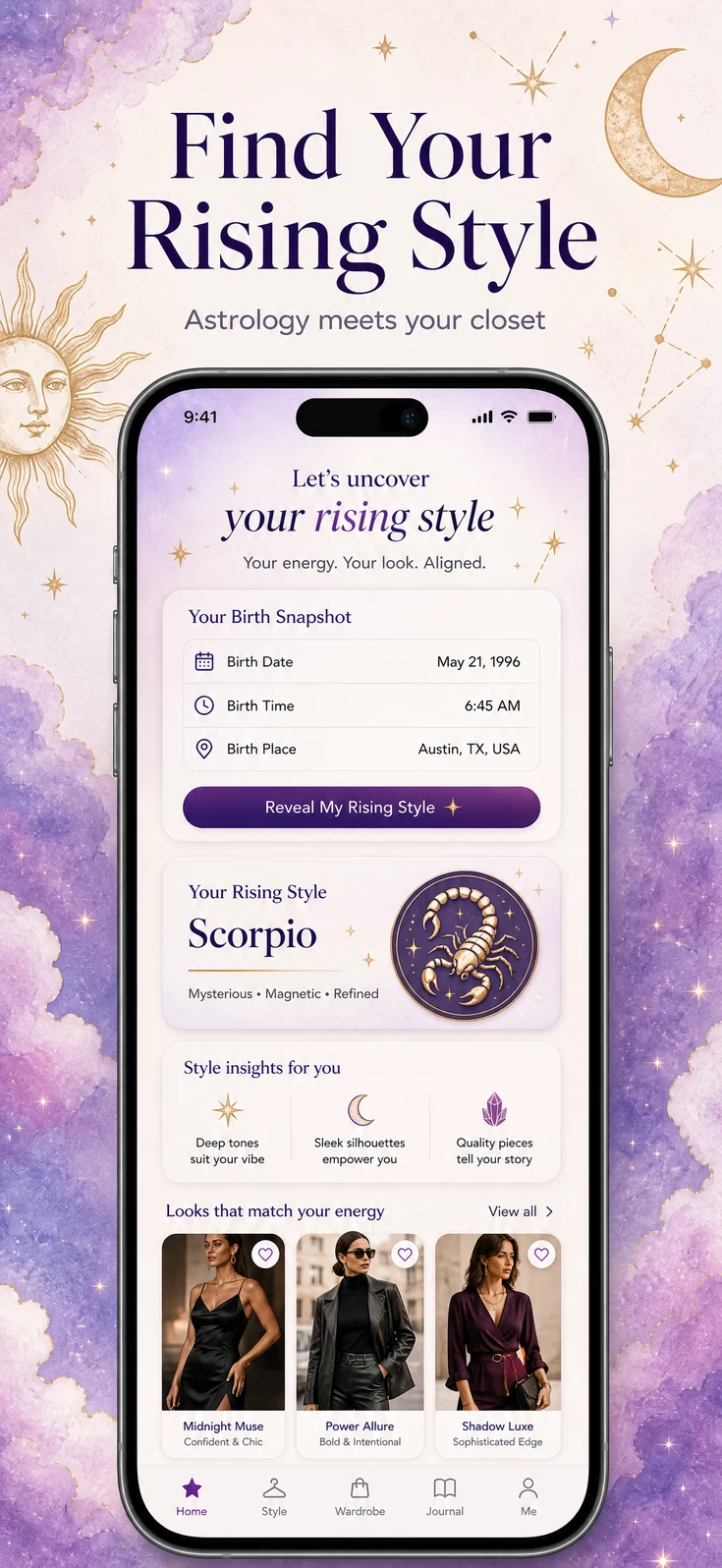
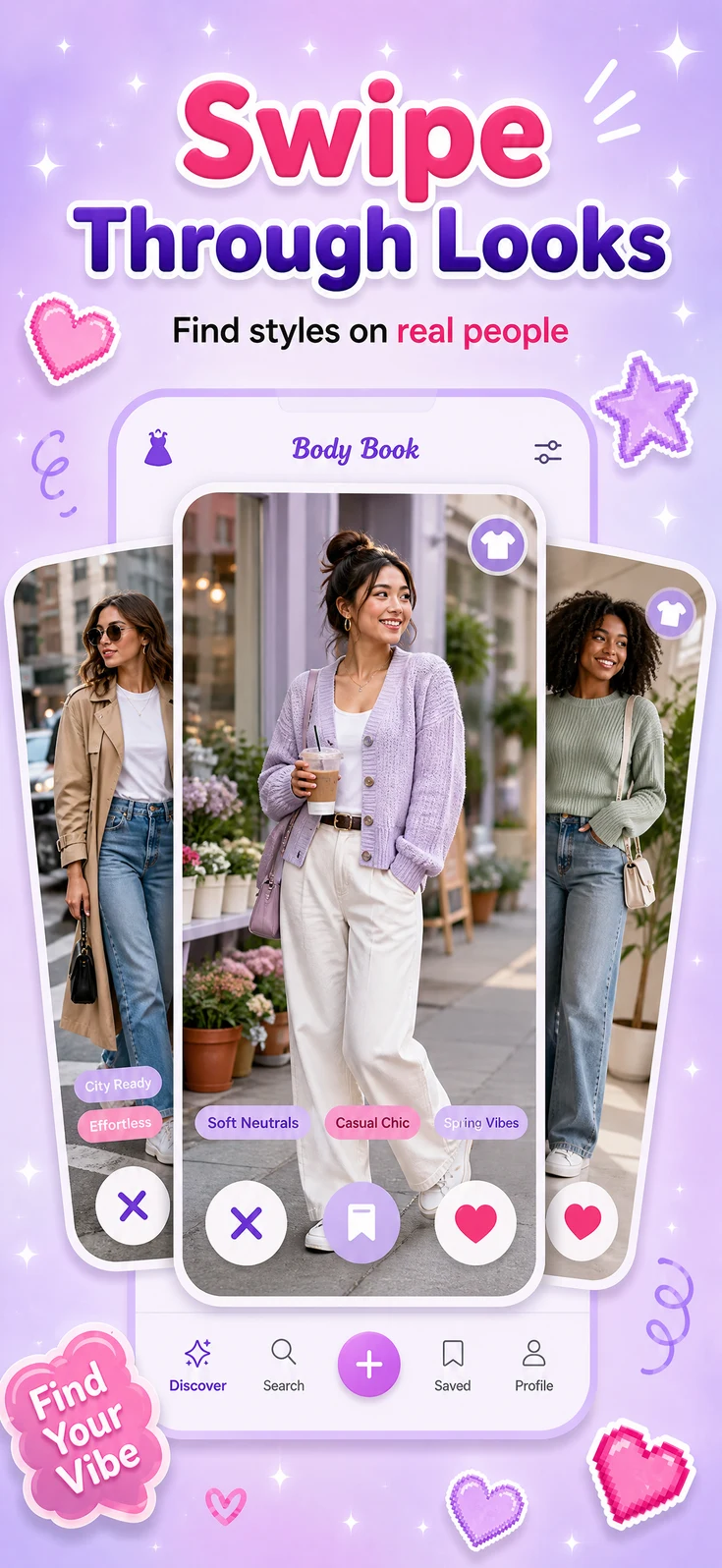
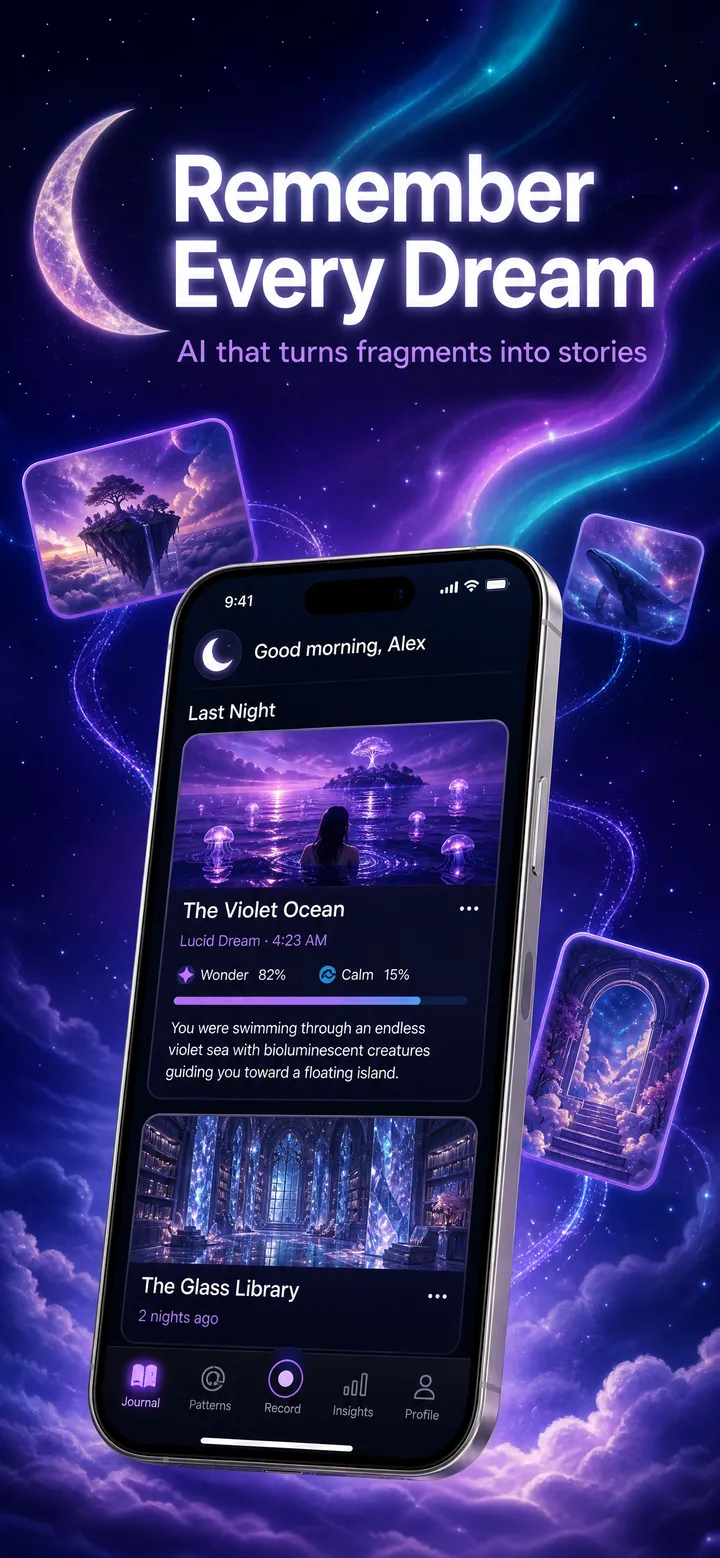
Agent-native App Store creative

Ship App Store screenshots in minutes, not daysfrom inside Codex

Shots reads your code, analyzes competing App Store listings, and generates store-ready screenshots from one Codex command. Research-backed creatives in seconds, zero context switching.

3 free screenshots. No card required. 2 minute setup.

Export ready for every storeApp StoreGoogle PlayiPhone, iPad, Android, Watch

The Shots workflow

Research.
Generate.
Revise.
Translate.

Research, generate, revise, and translate inside Codex.

1

Research

Shots reads your code, docs, screenshots, and store metadata, then analyzes 2,500+ App Store listings across 22,000+ screenshots before it generates anything.

Analyzing fitness-tracker category...
Competitors
Screenshots
Creative brief

Reads code, docs, and real UI

Checks similar and competing listings

Writes the brief before credits

Brief first, generation second
2

Generate

Turn the brief into screenshot options for each device size. Pick a direction, then revise the same source screenshot from there.

Generated screenshot candidate 1
SelectedGenerated screenshot candidate 2
Generated screenshot candidate 3

Several visual directions

App Store-ready framing

iPhone, iPad, Android, and Watch sizes

Generate more directions anytime
3

Revise

Pick the strongest direction, then change backgrounds, tighten copy, or adjust layouts while the real app UI stays intact.

Background: electric violetCopy: Close Every Ring
Screenshot before revisionScreenshot after revision

Change colors and backgrounds

Rewrite headlines instantly

Keep app UI intact

Edit the same screenshot
4

Translate

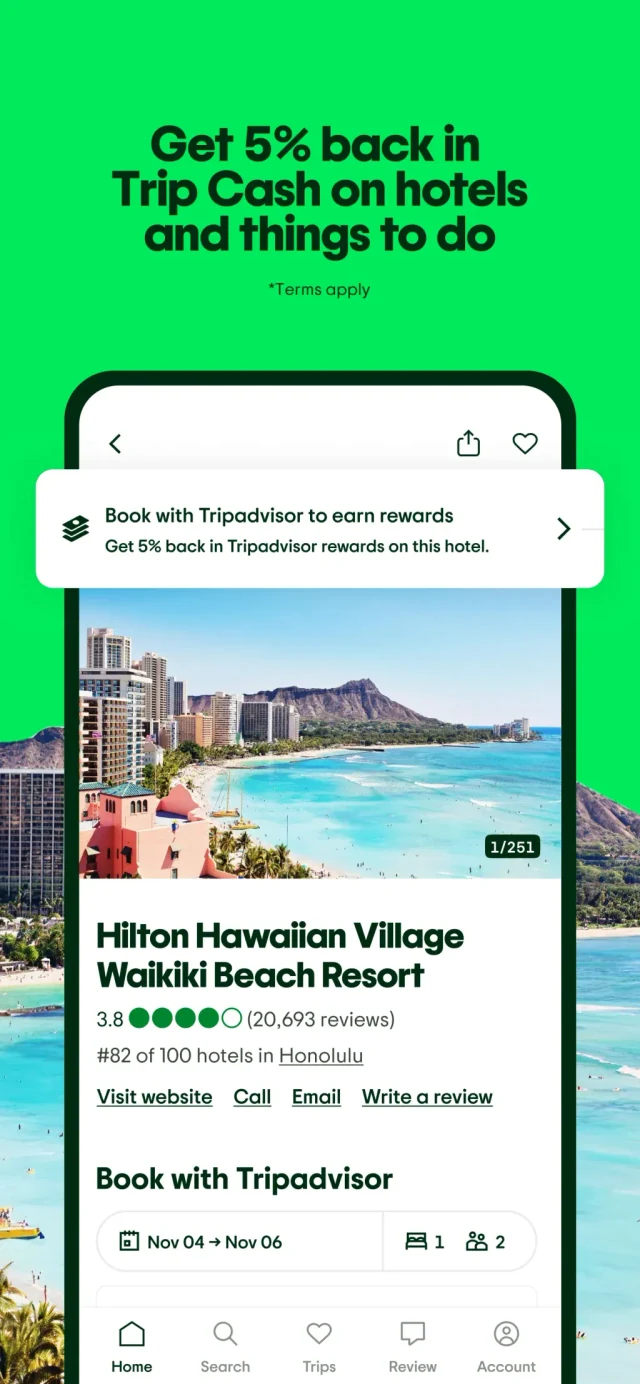
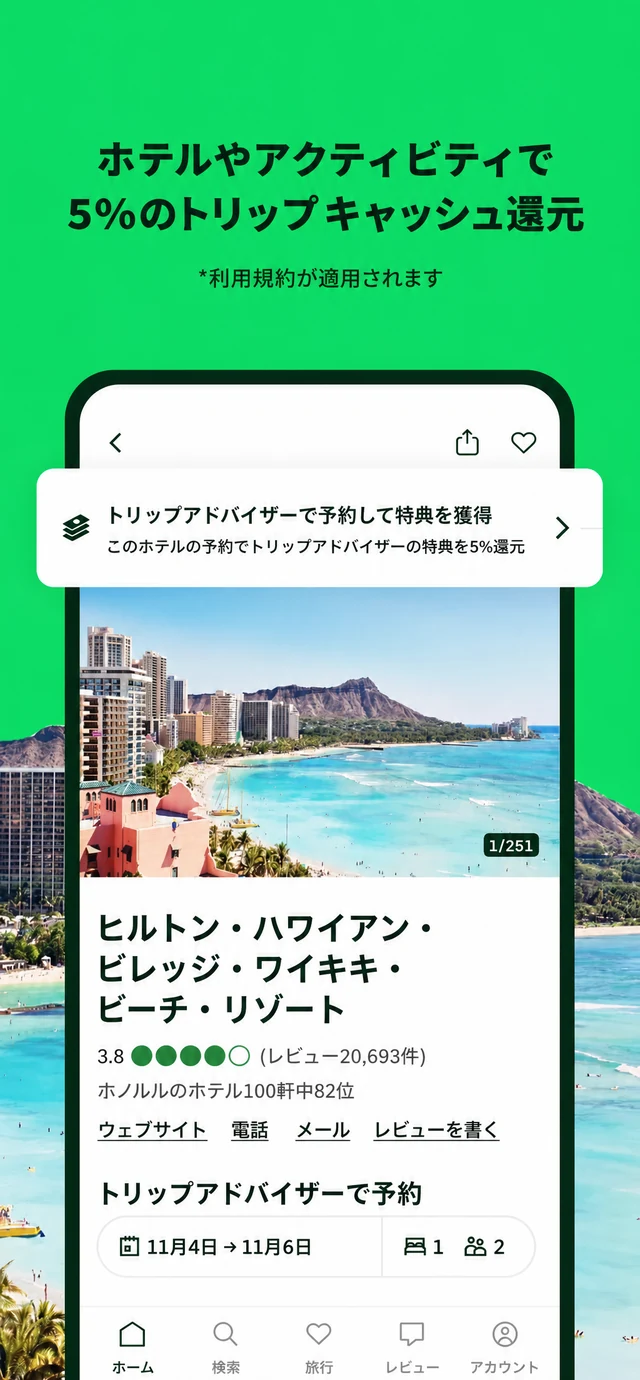
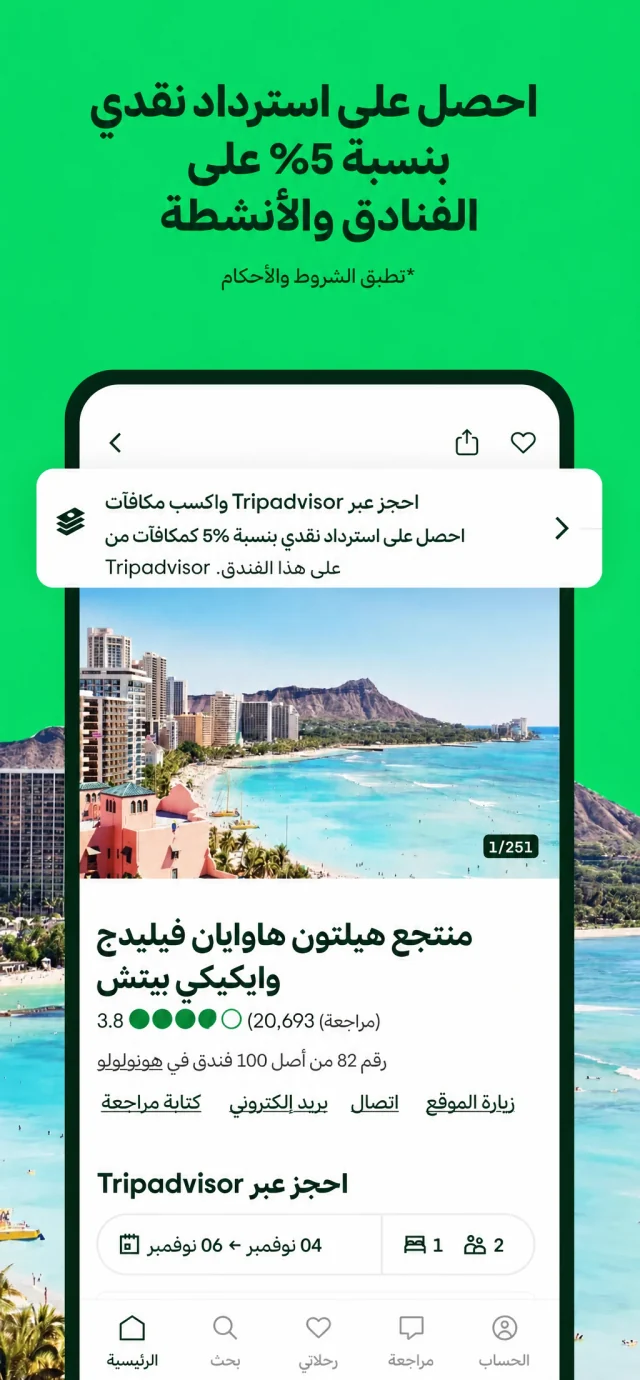
Localize the final screenshot, not the first draft. Japanese, Korean, German, French, Spanish, and 45 more locales inherit your approved direction.

JA
Screenshot before translationScreenshot after translation
Revised art, localized text

Screenshot text localized

50 App Store locales

Visual direction preserved

Ready for 50 locales

App icons

Generate app icon sets from the same workflow.

Get six icon directions for inspiration, then revise the ones you like into an App Store-ready icon.

Generated app icon candidateGenerated app icon candidateGenerated app icon candidateGenerated app icon candidateGenerated app icon candidateGenerated app icon candidateGenerated app icon candidateGenerated app icon candidateGenerated app icon candidateGenerated app icon candidate

Live App Store examples

App Store Approved

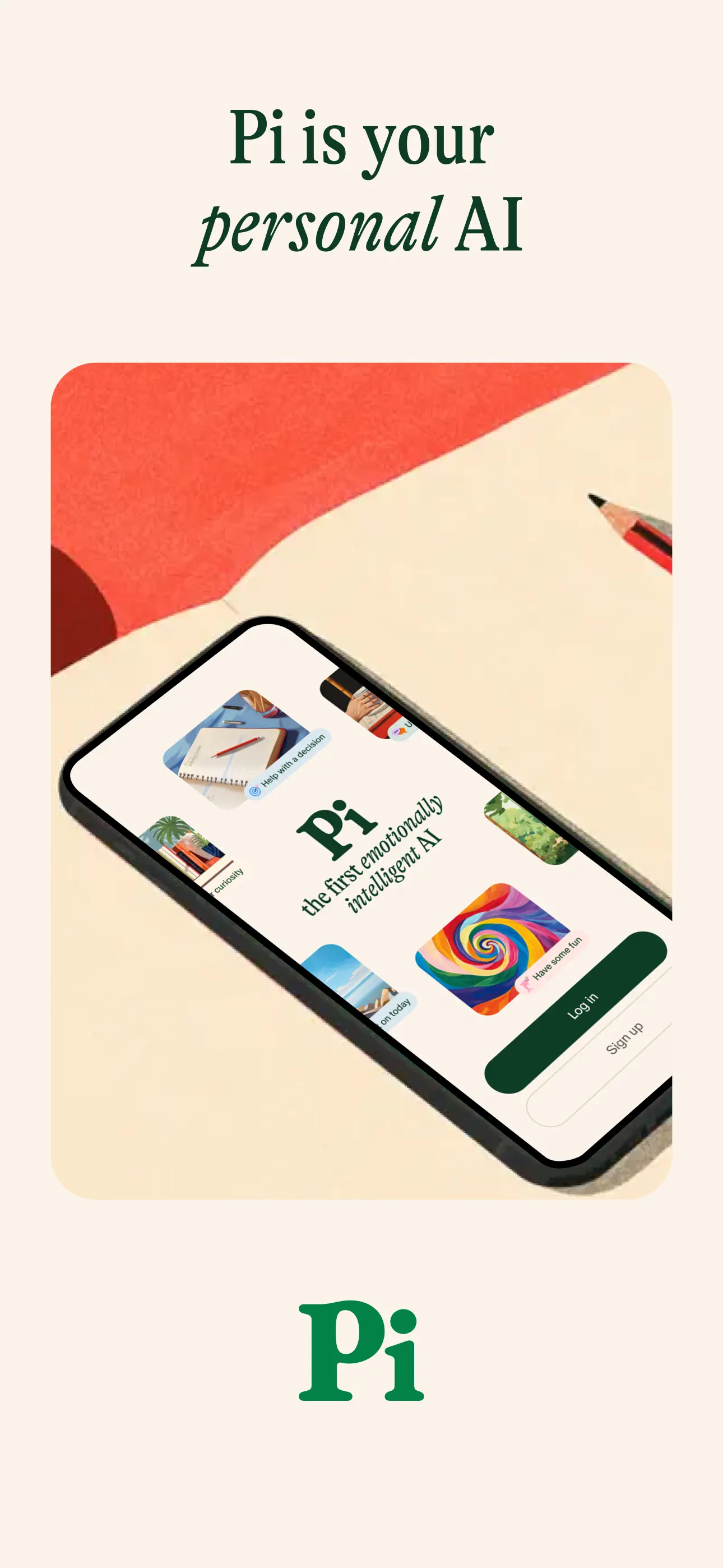
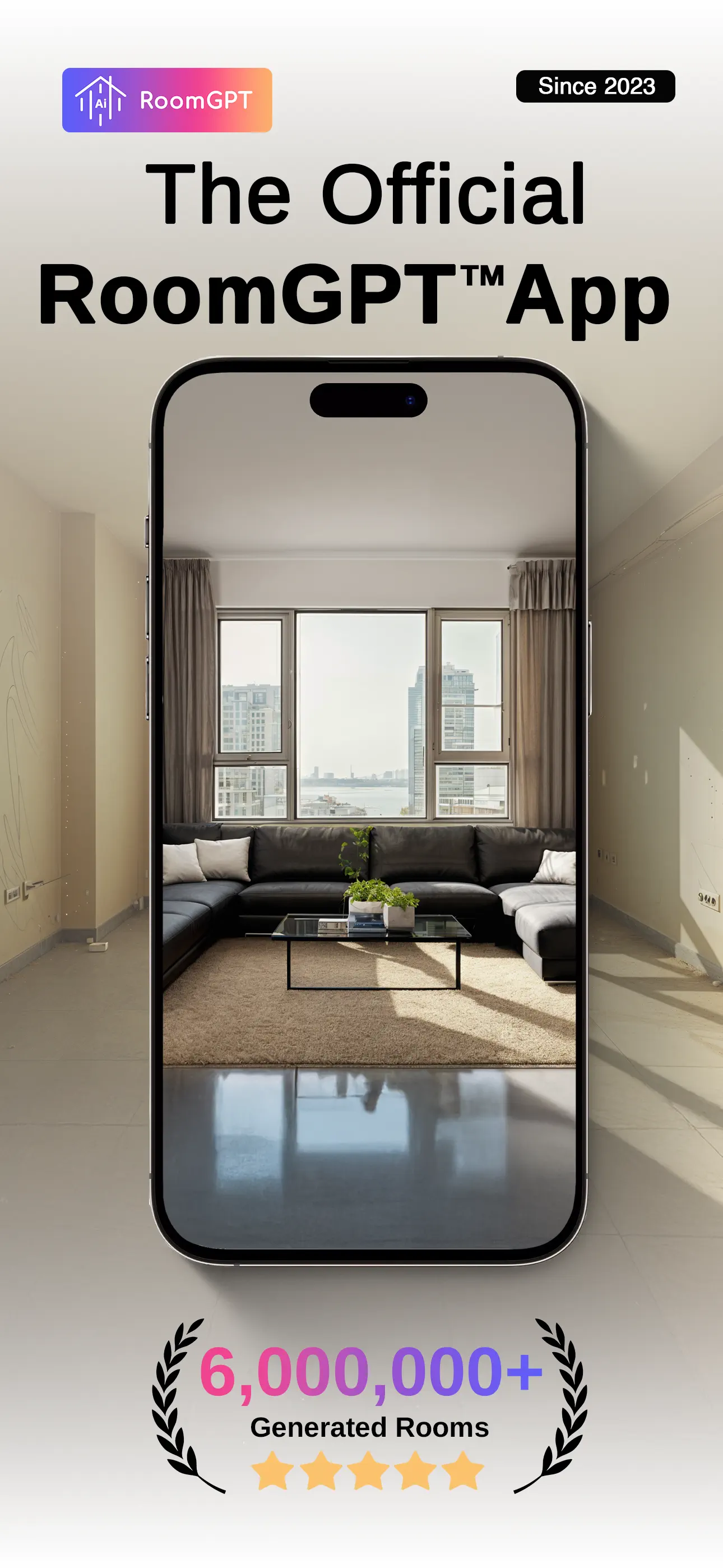
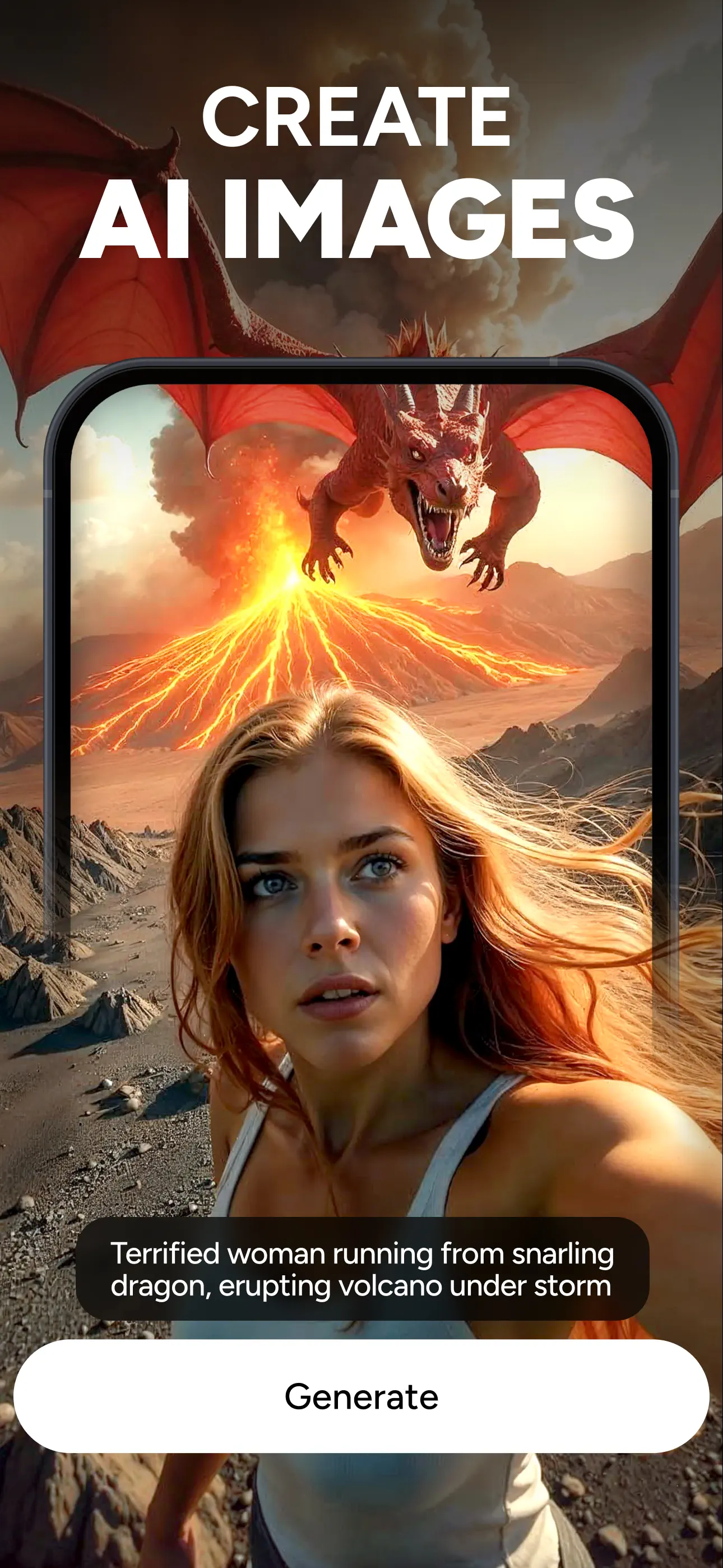
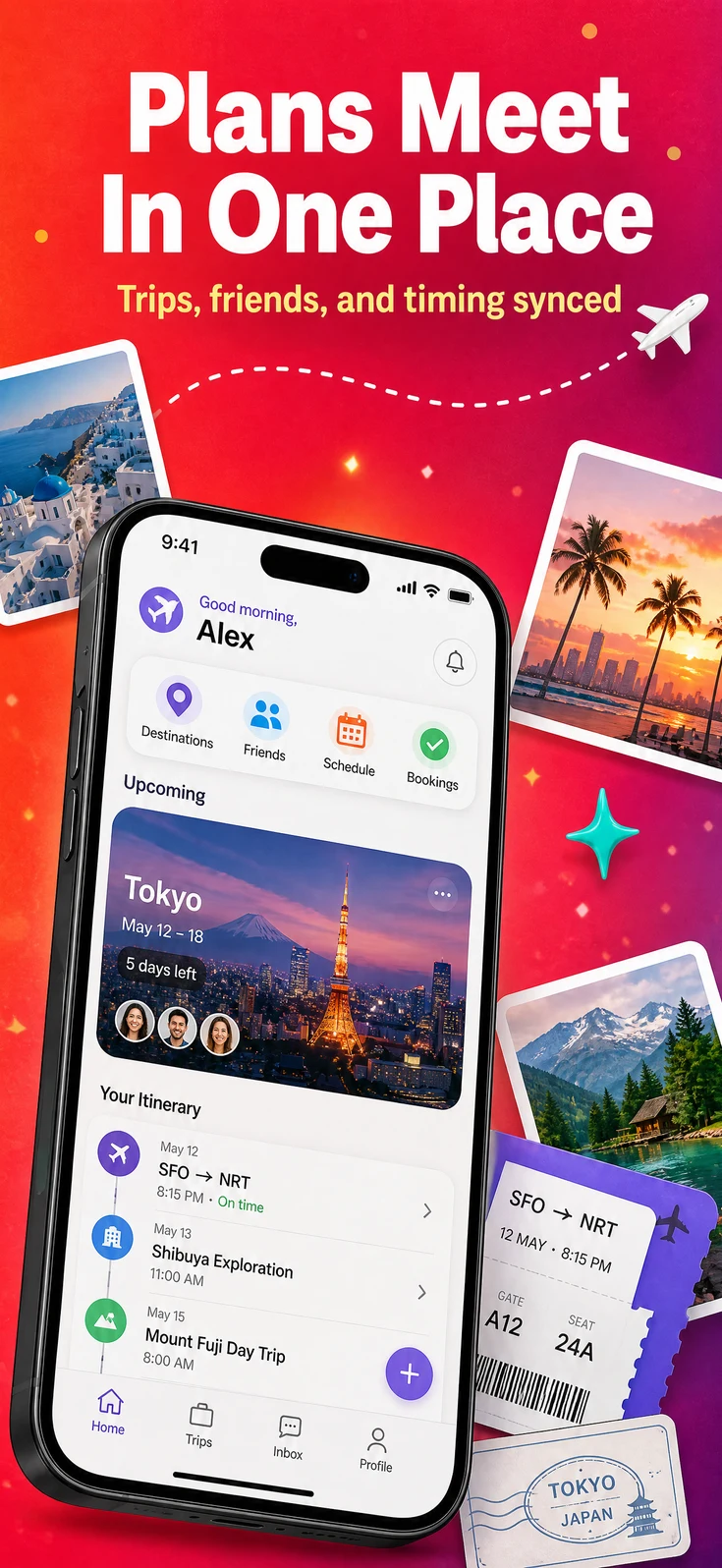
Shots follows Apple screenshot guidelines and helps keep your layout, copy, and device framing review-ready before you submit.

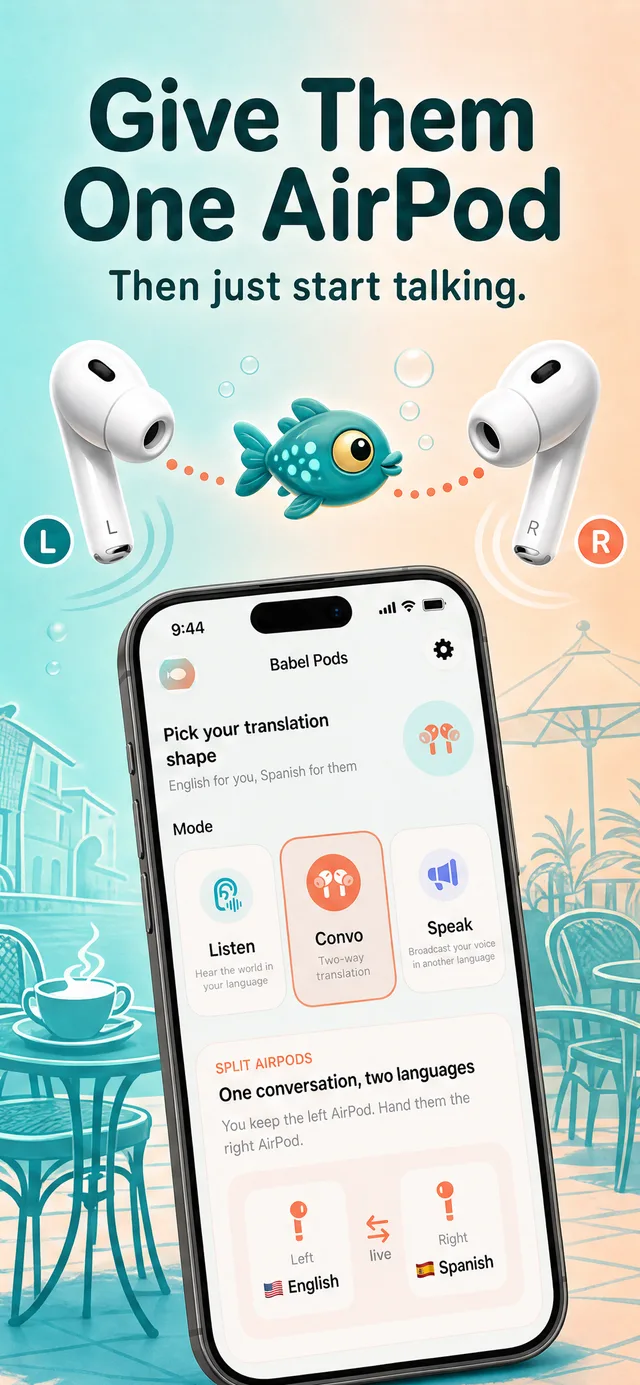
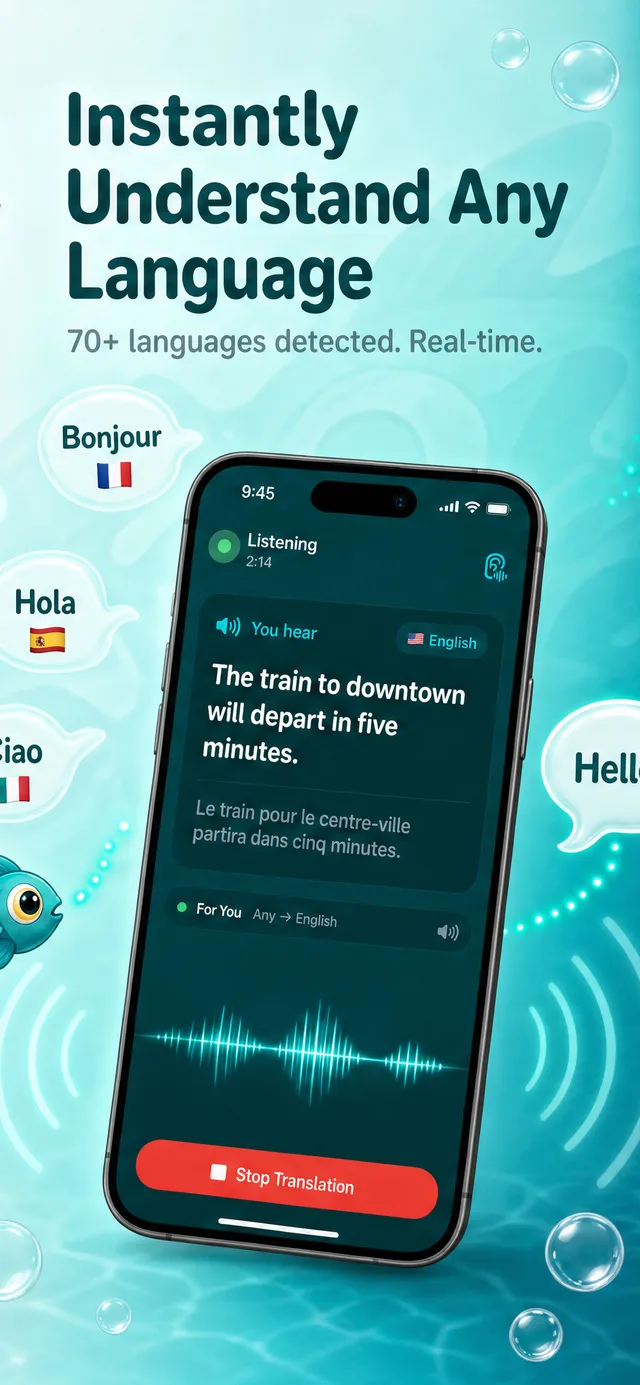
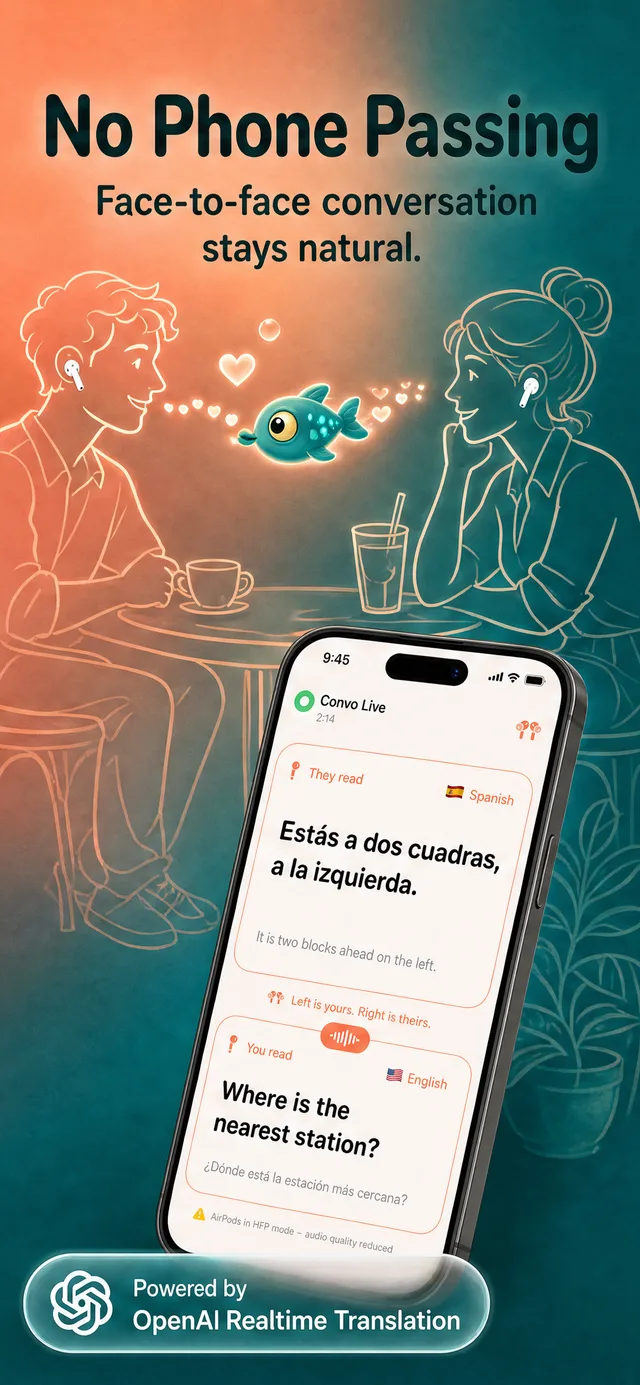
Babel Pods

Convo Translator: Speak & Hear Any Language
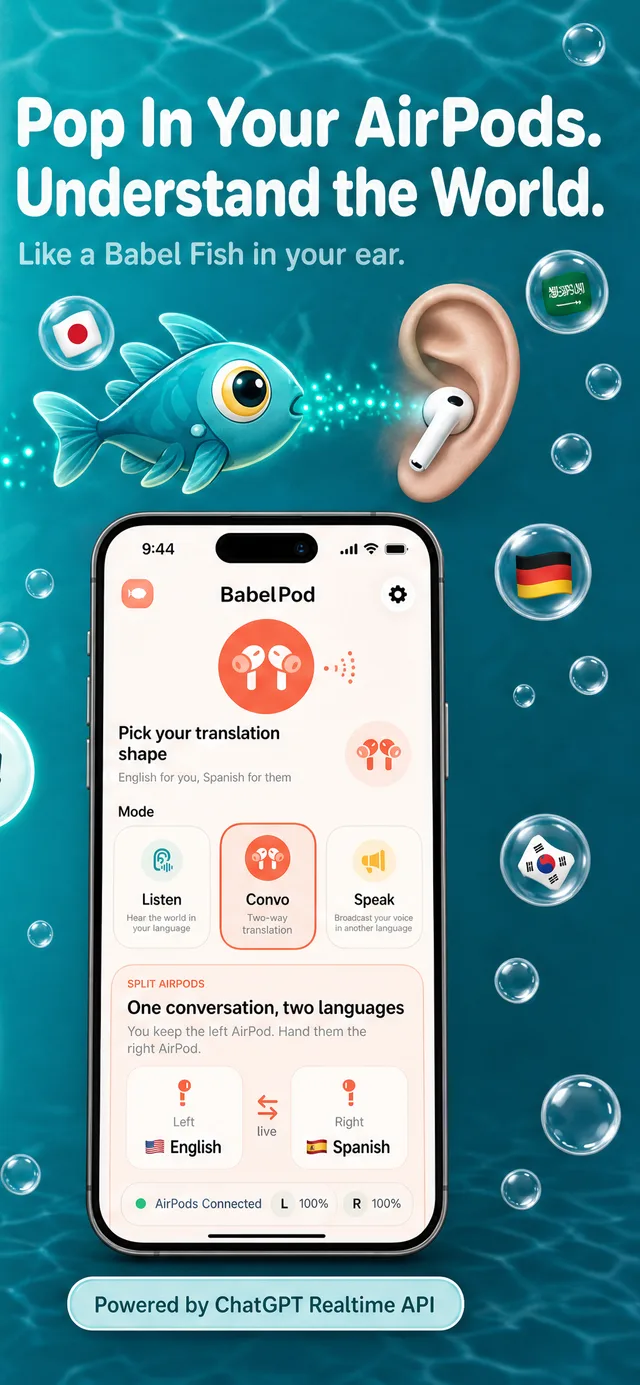
Live on the App Store today

App Store
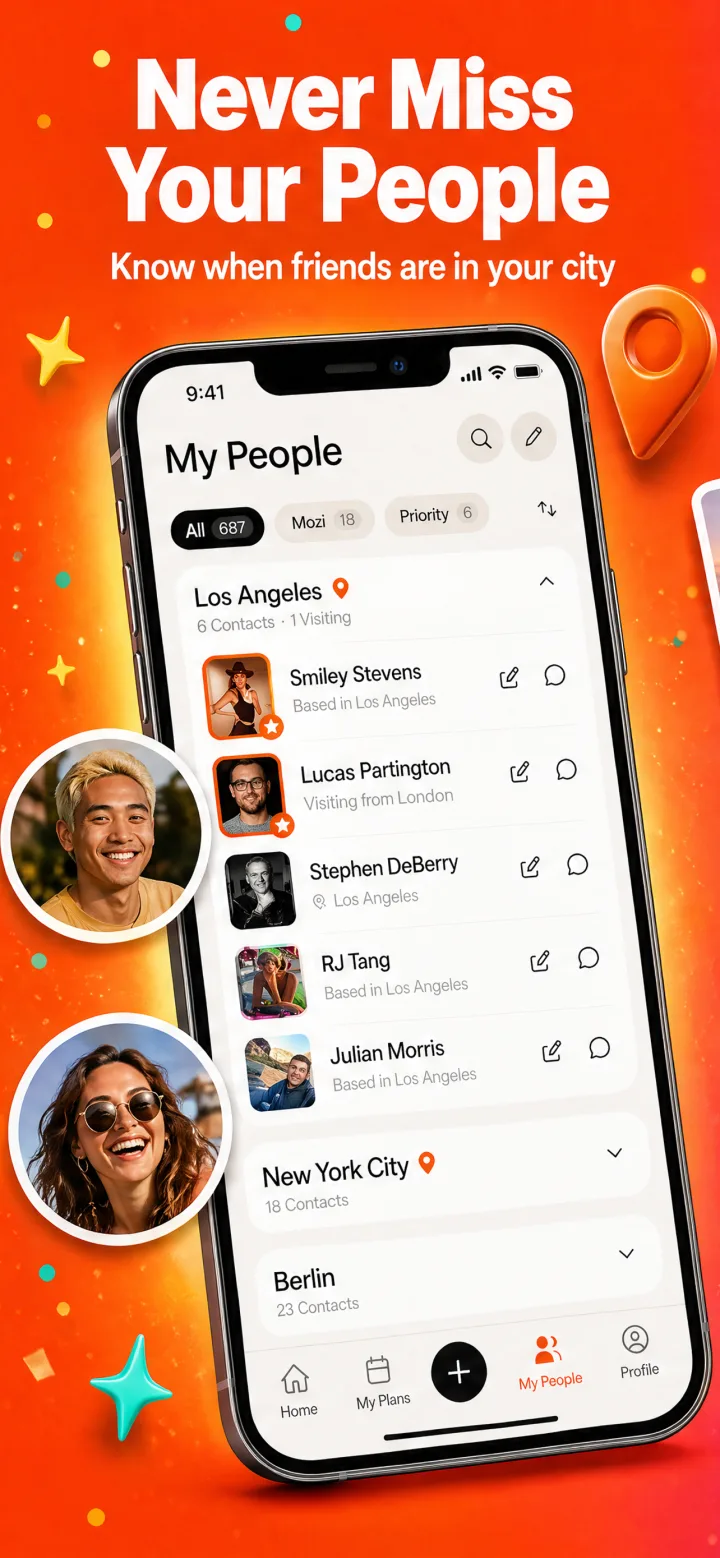
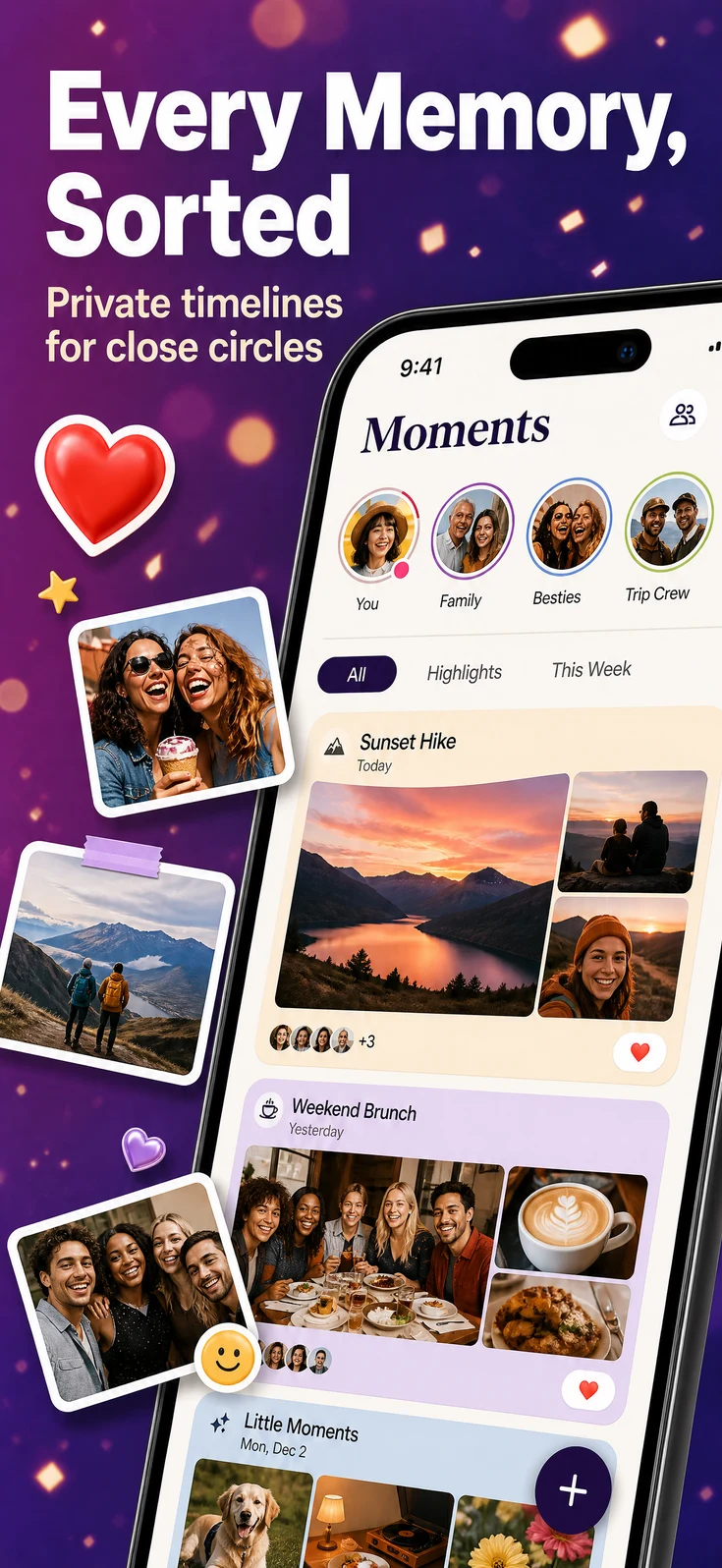
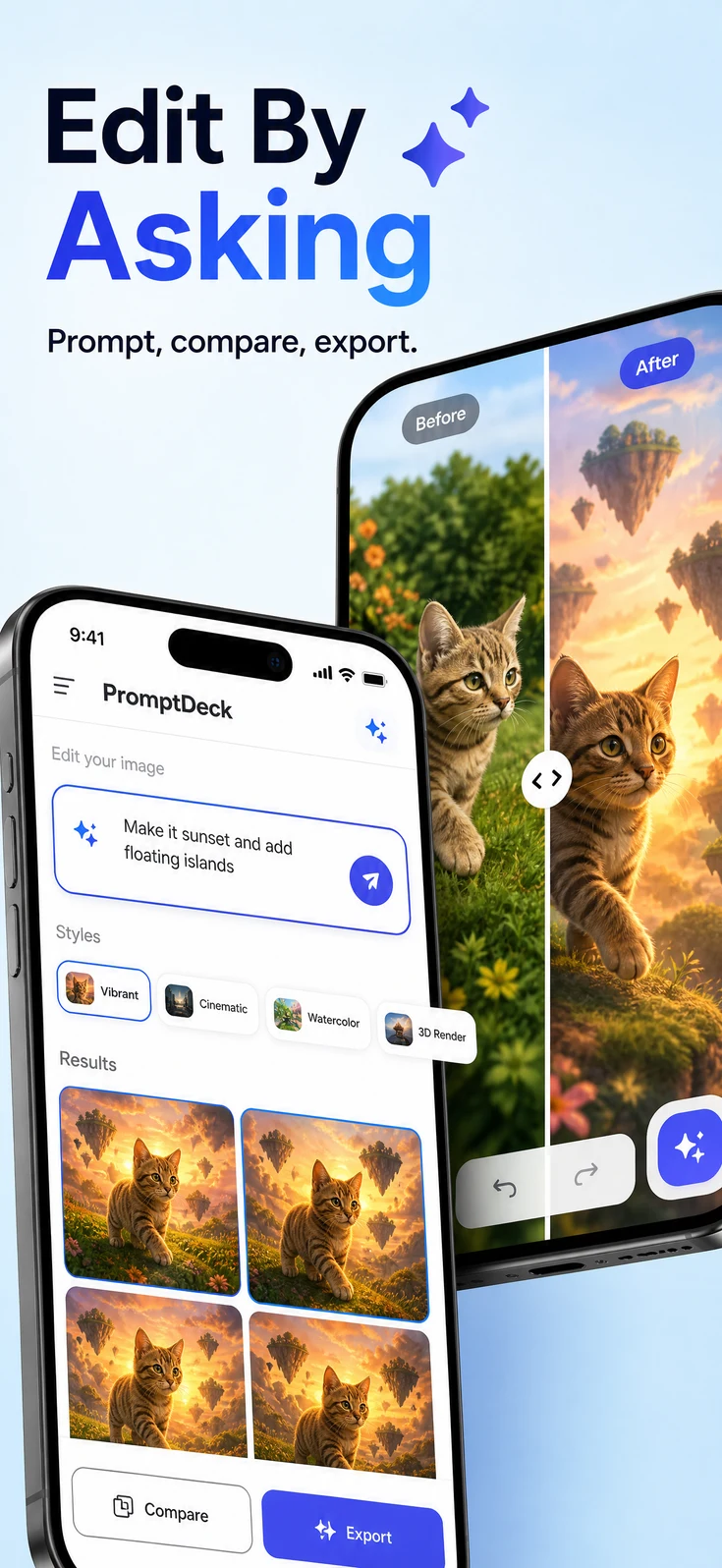
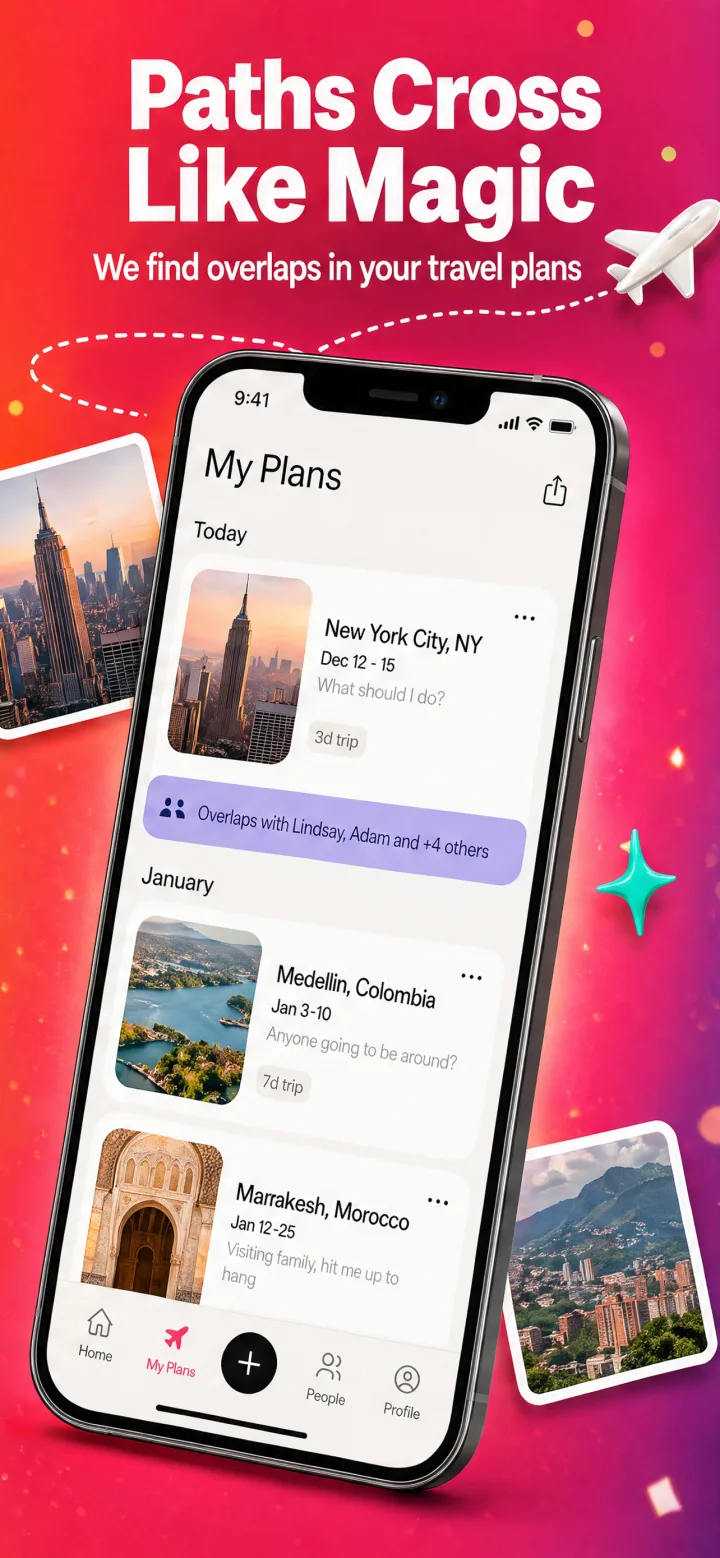
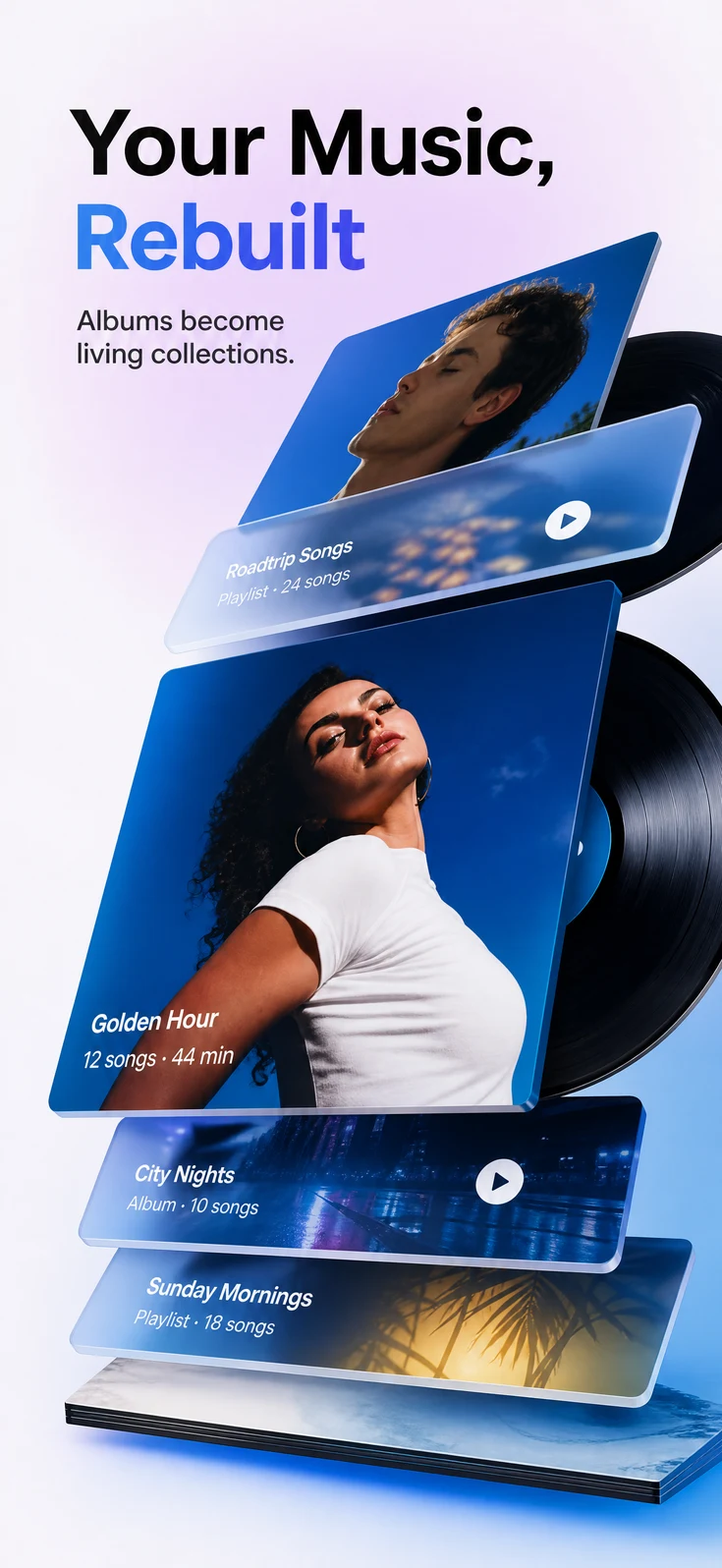
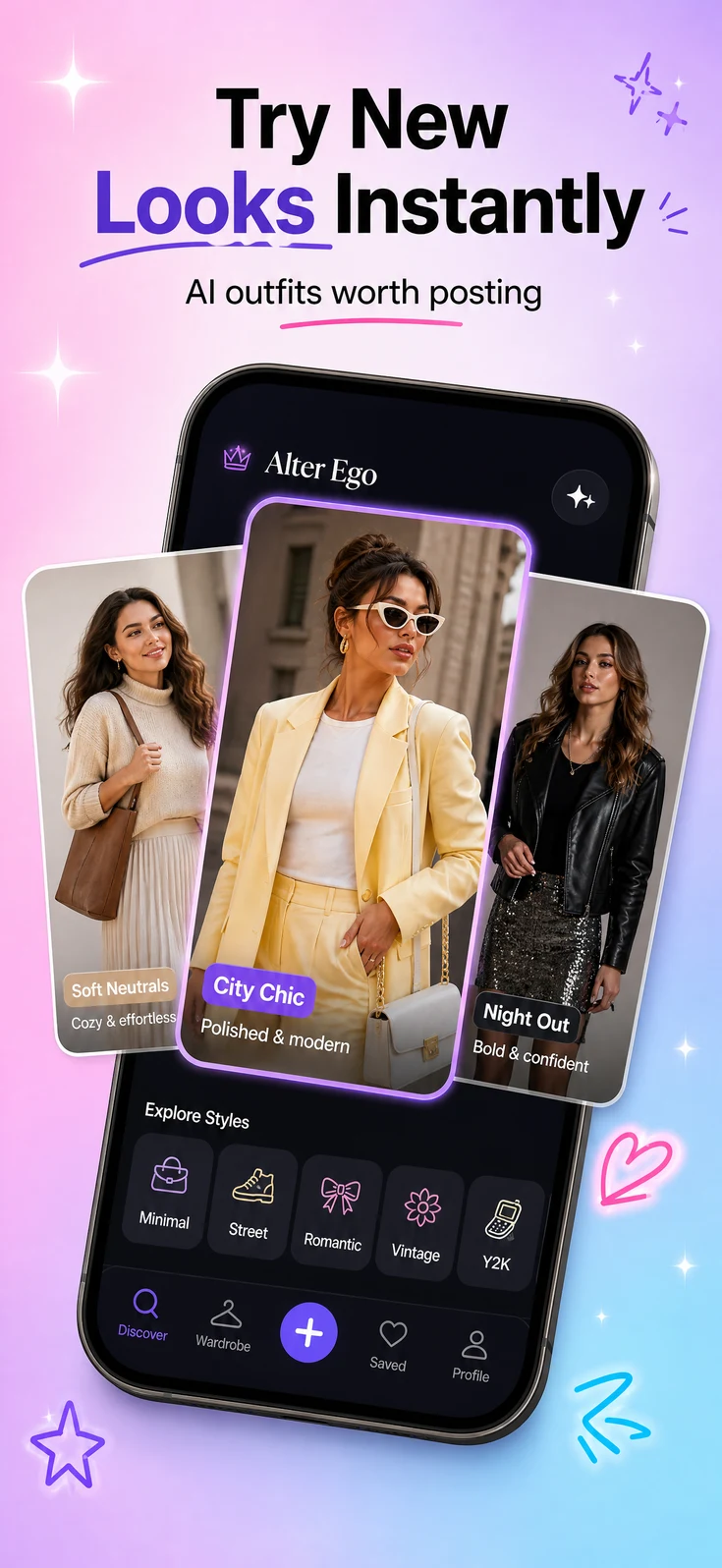
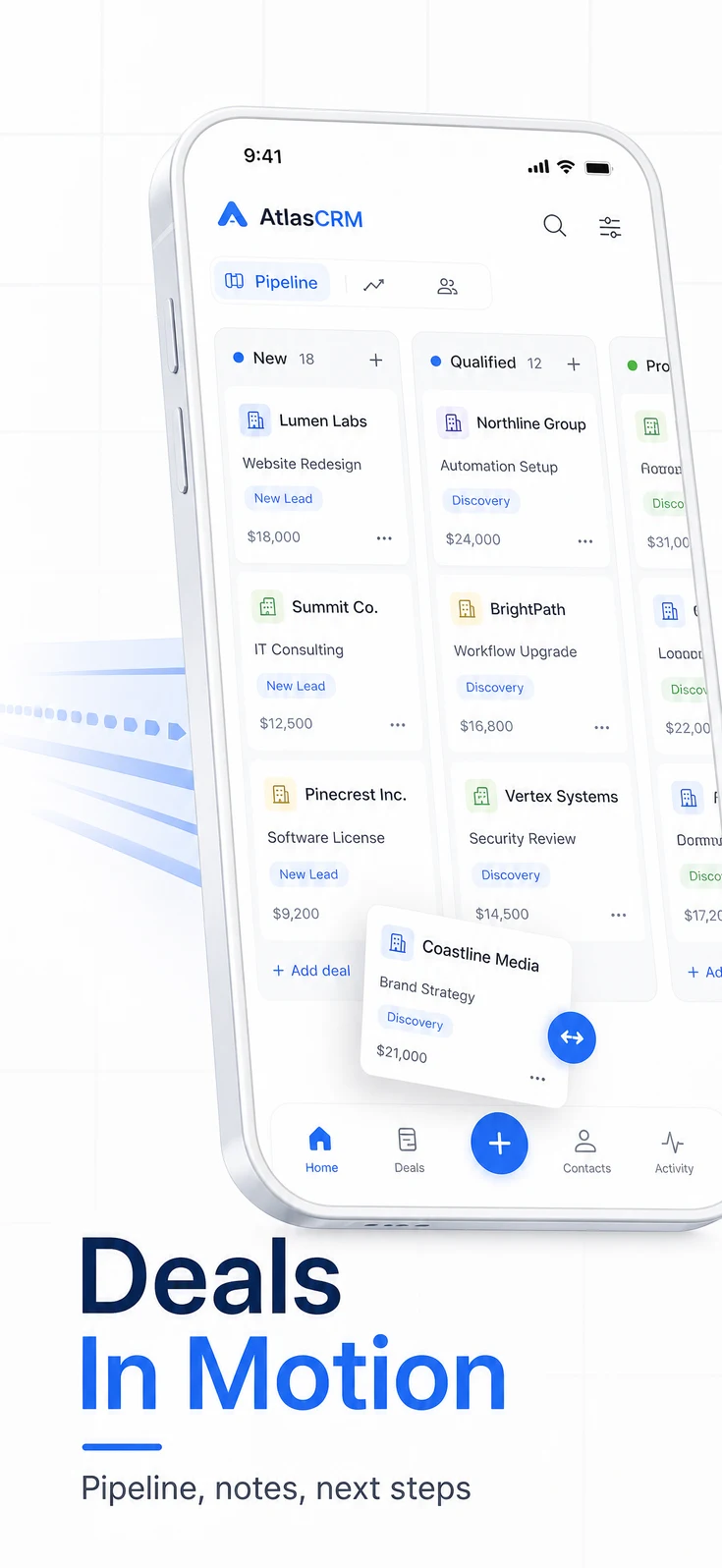
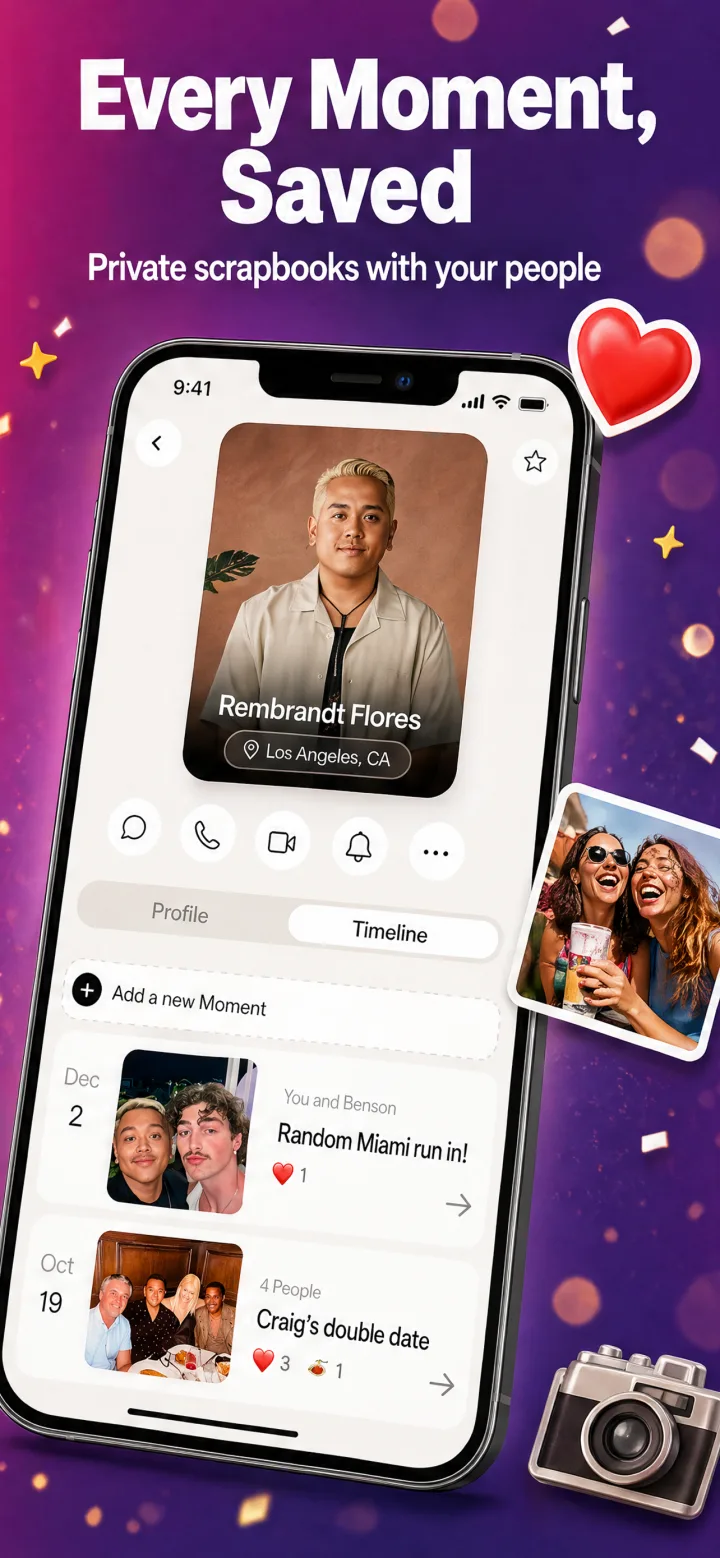
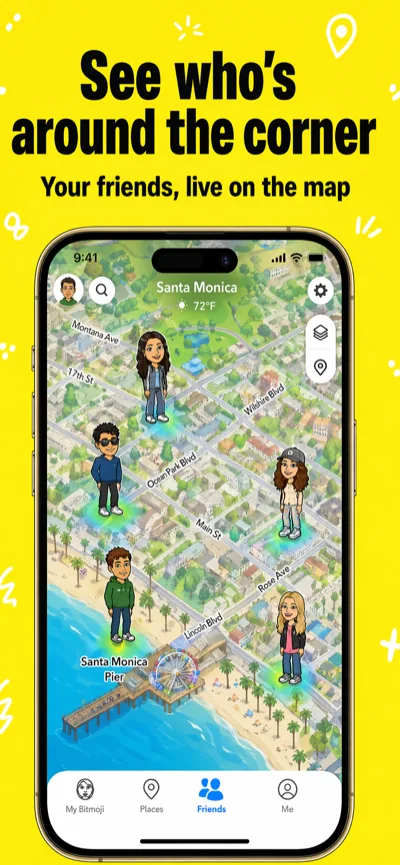
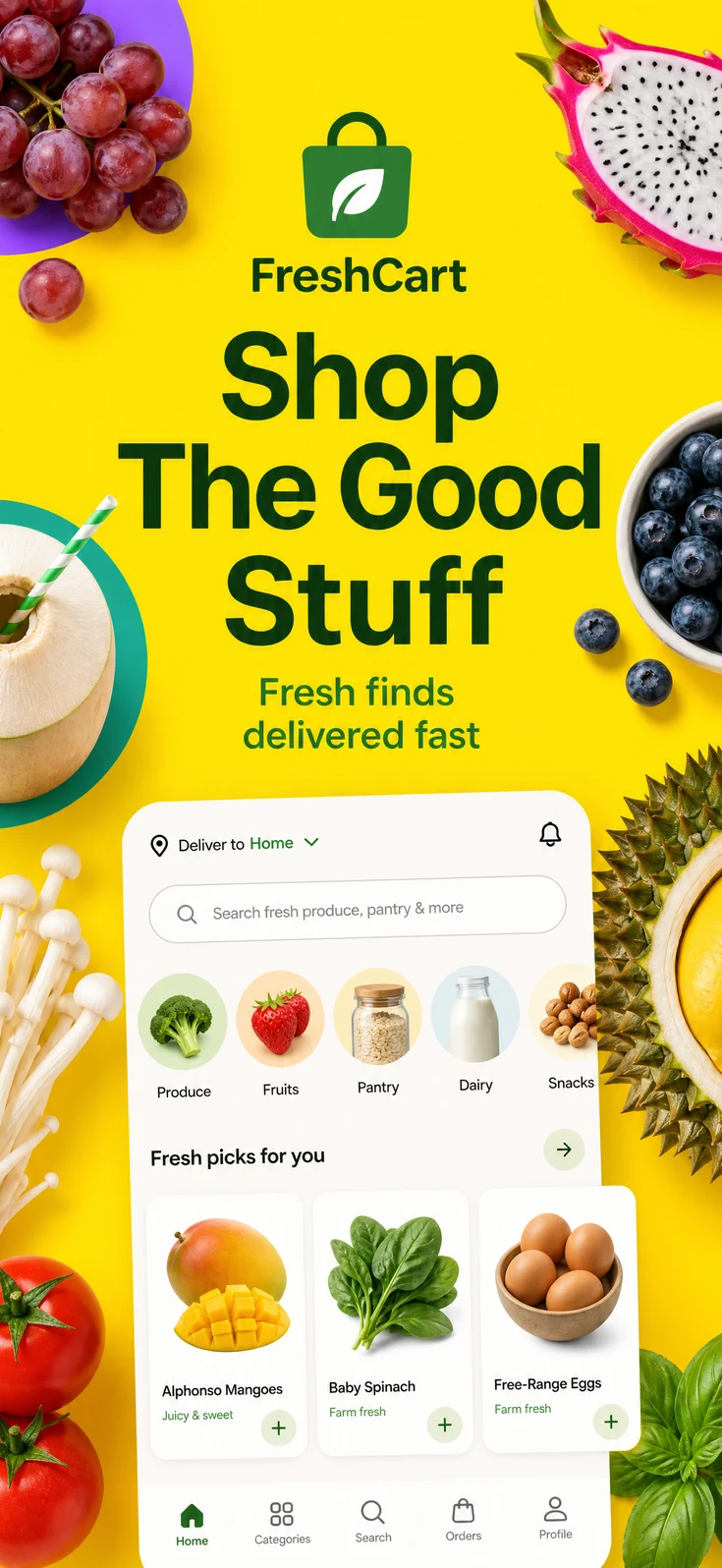
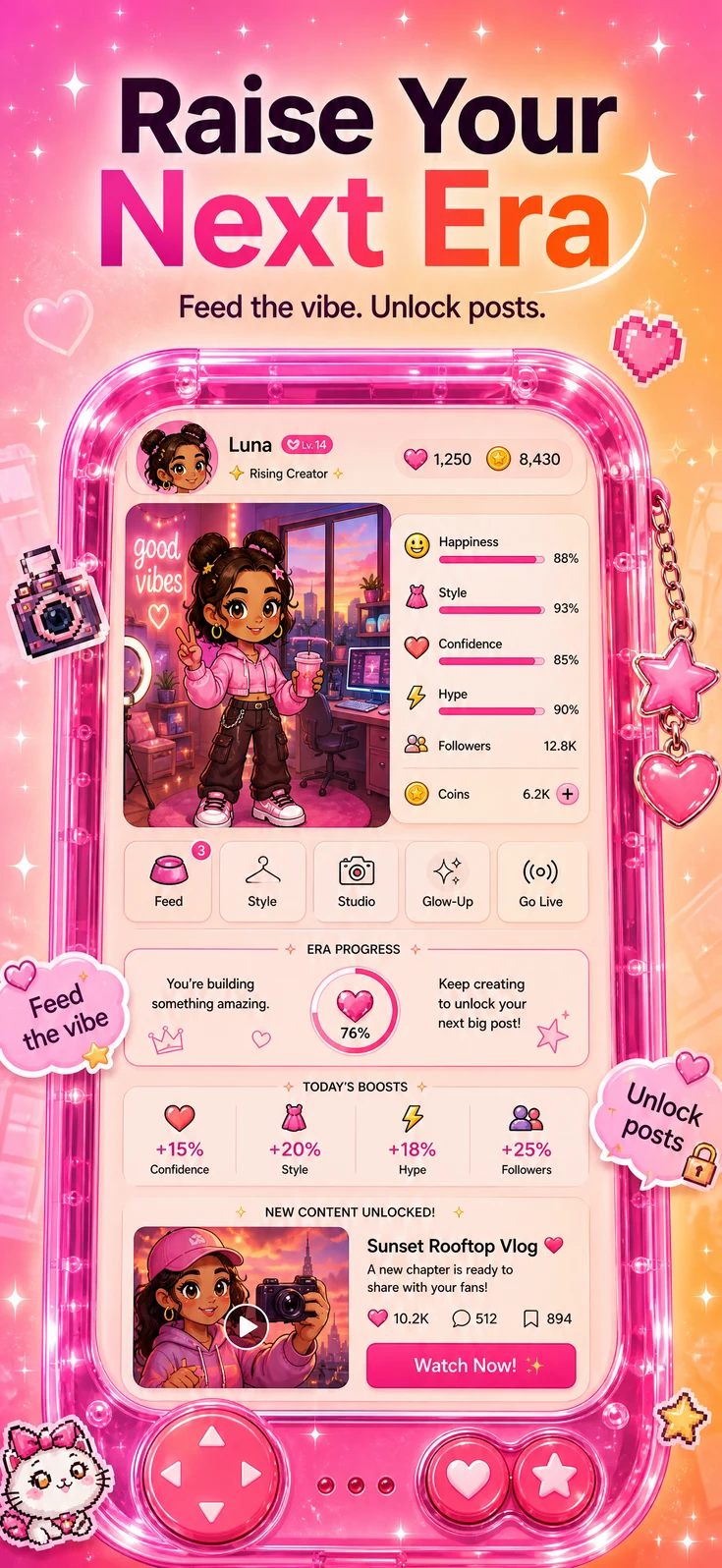
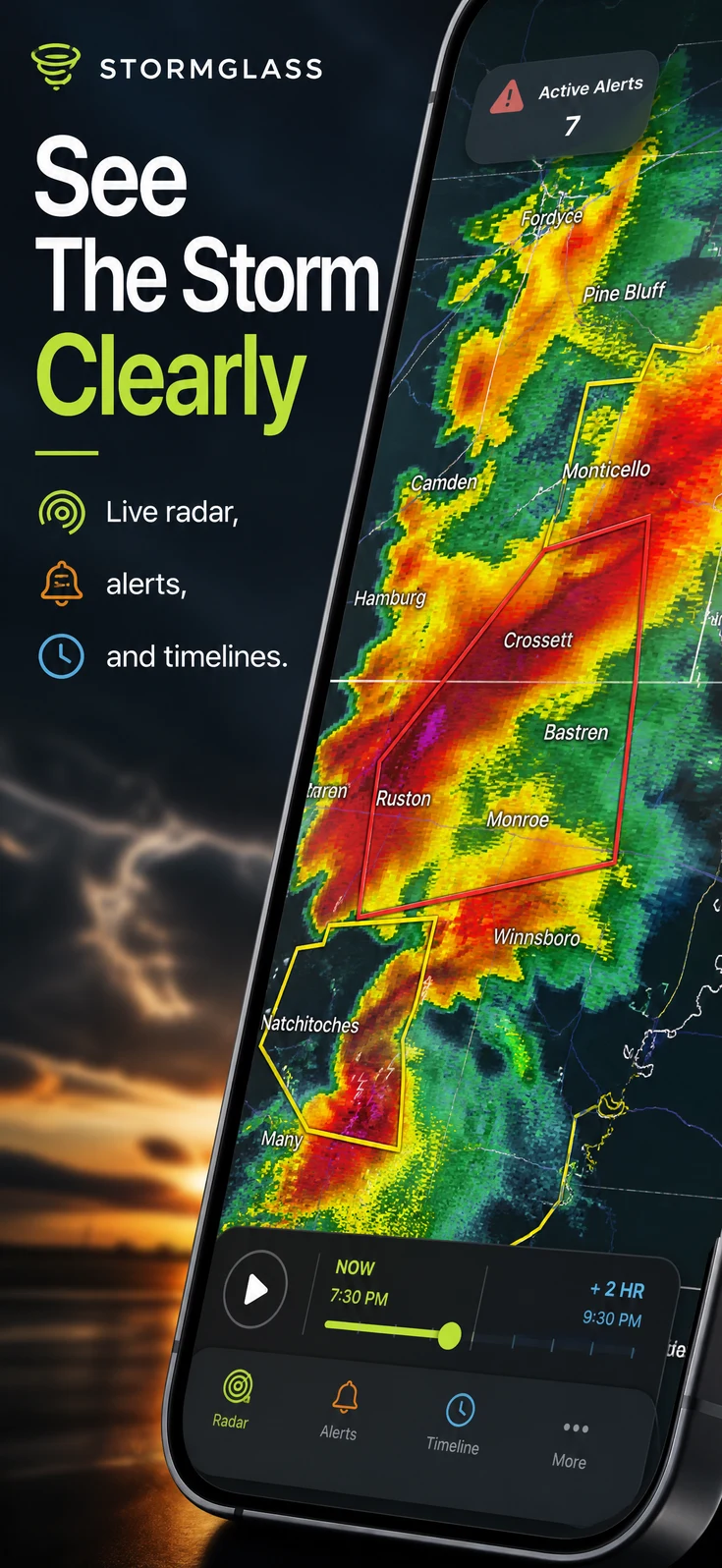
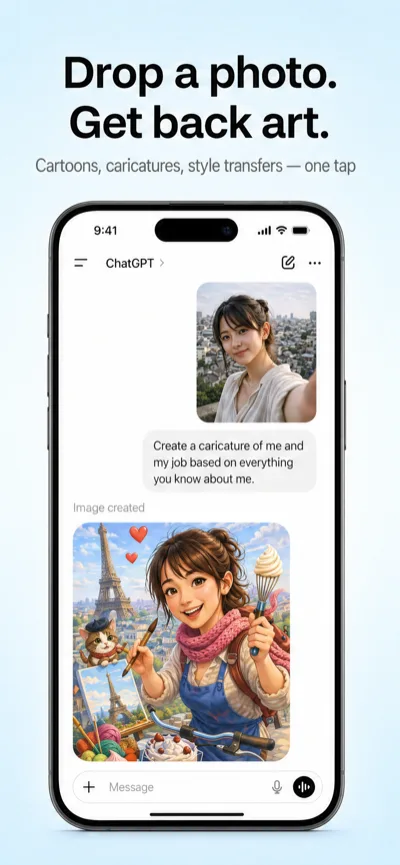
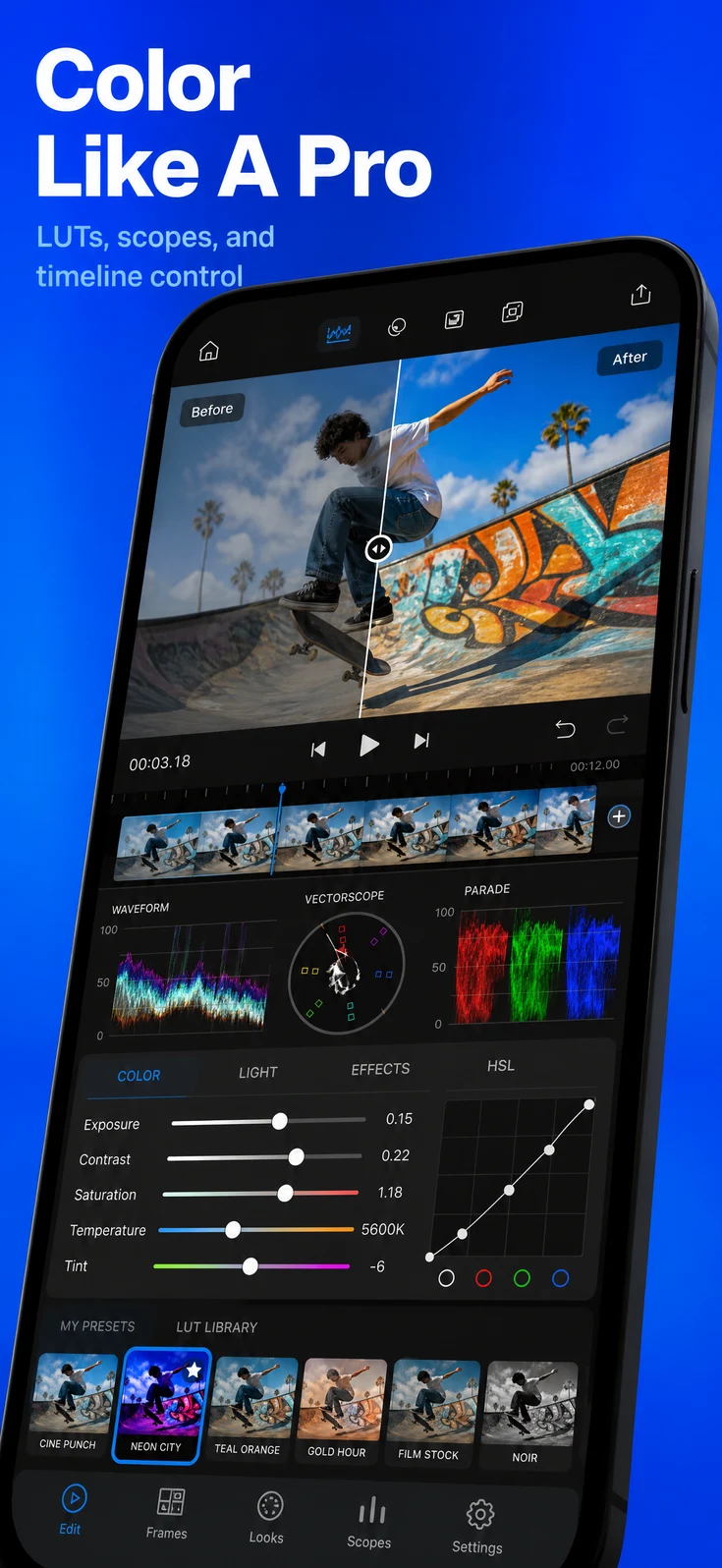
Babel Pods App Store screenshotBabel Pods App Store screenshotBabel Pods App Store screenshotBabel Pods App Store screenshot

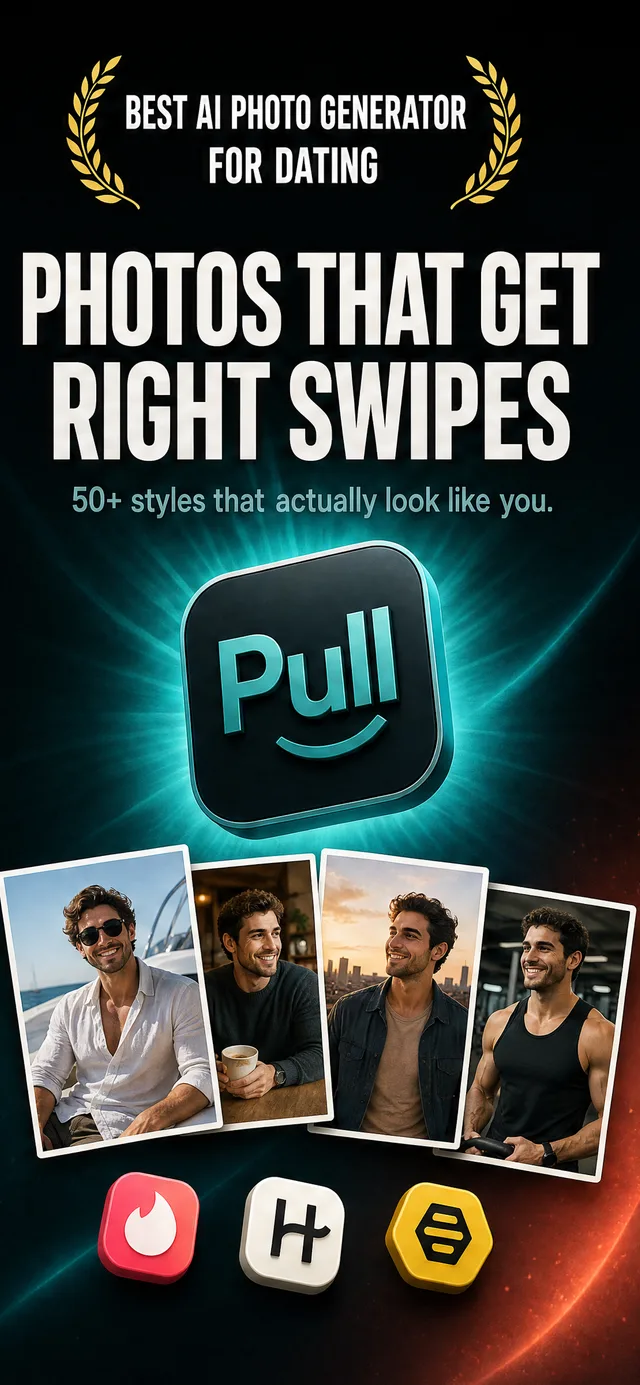
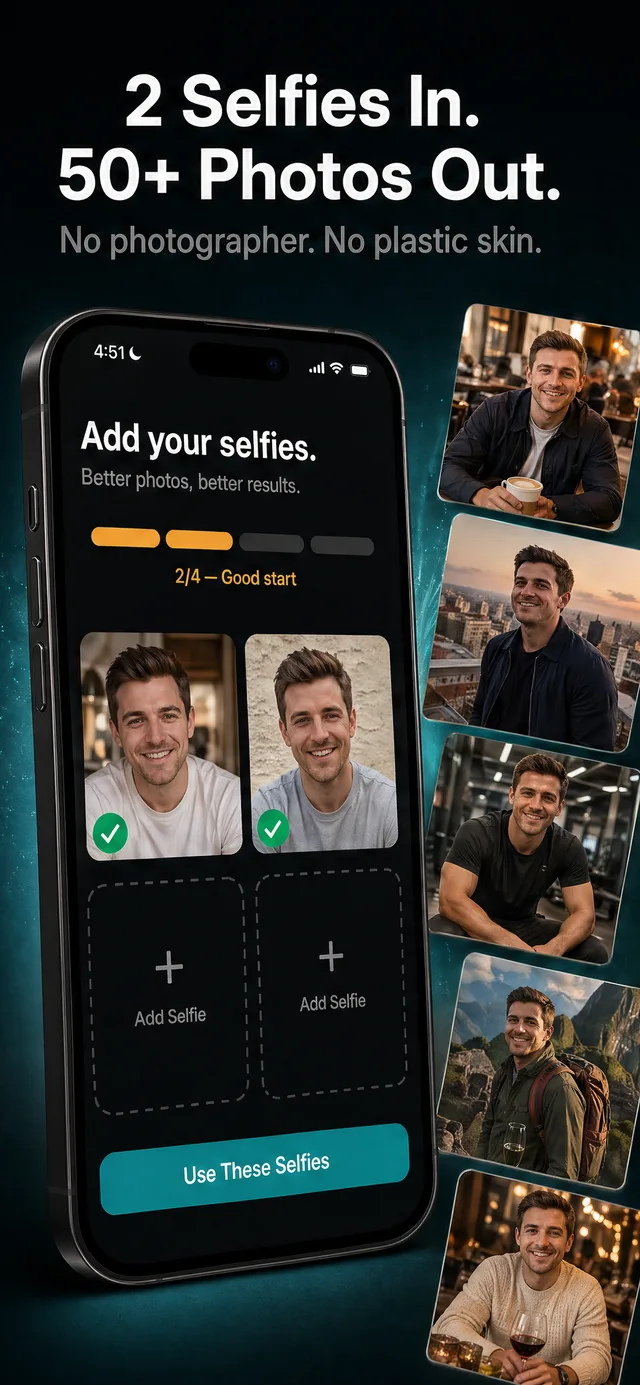
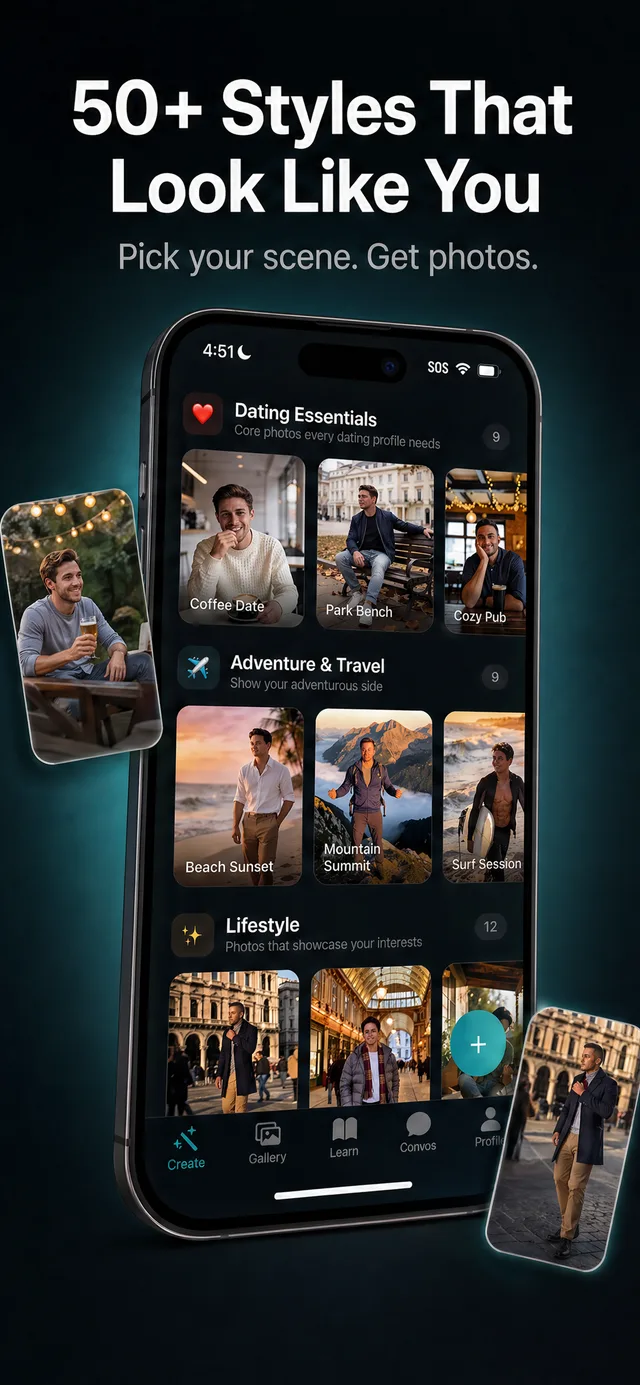
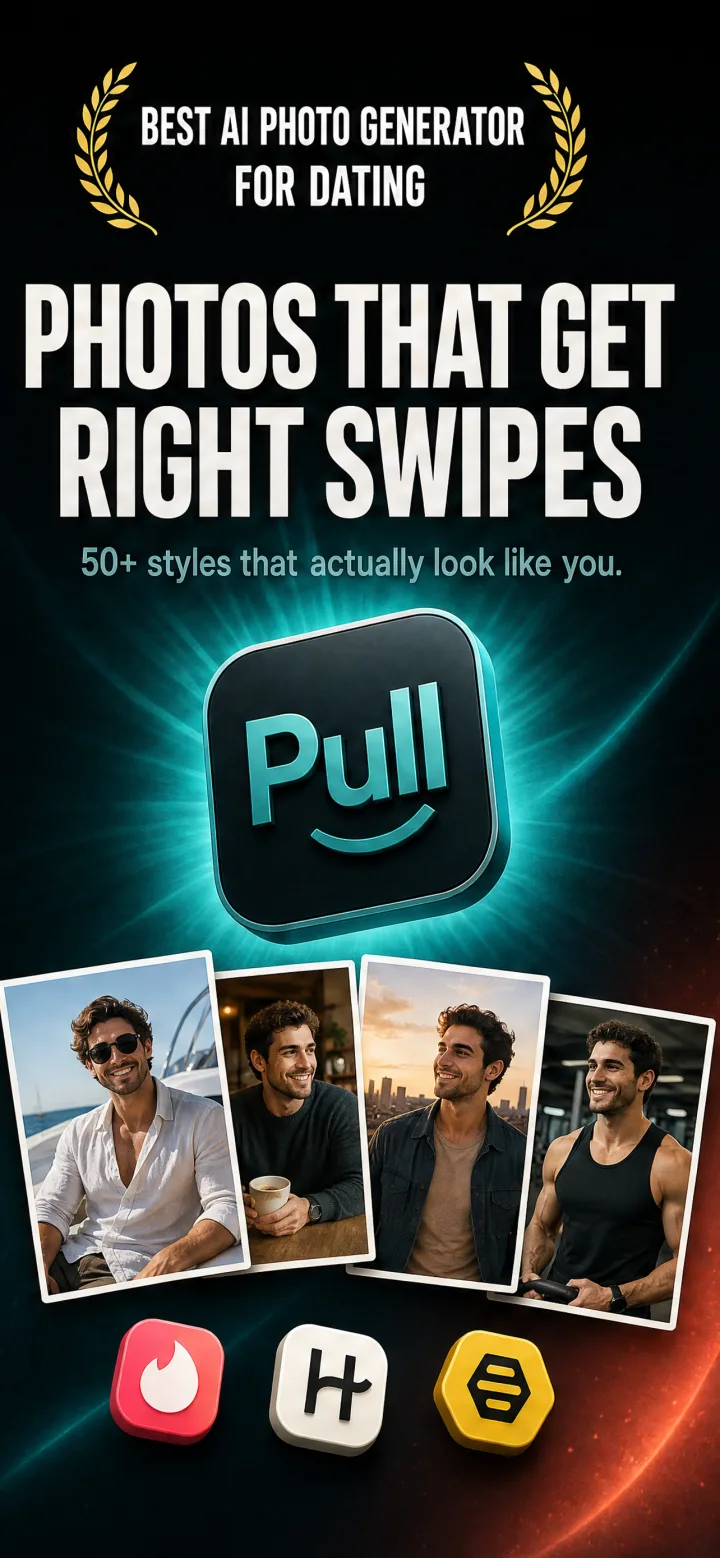
Pull

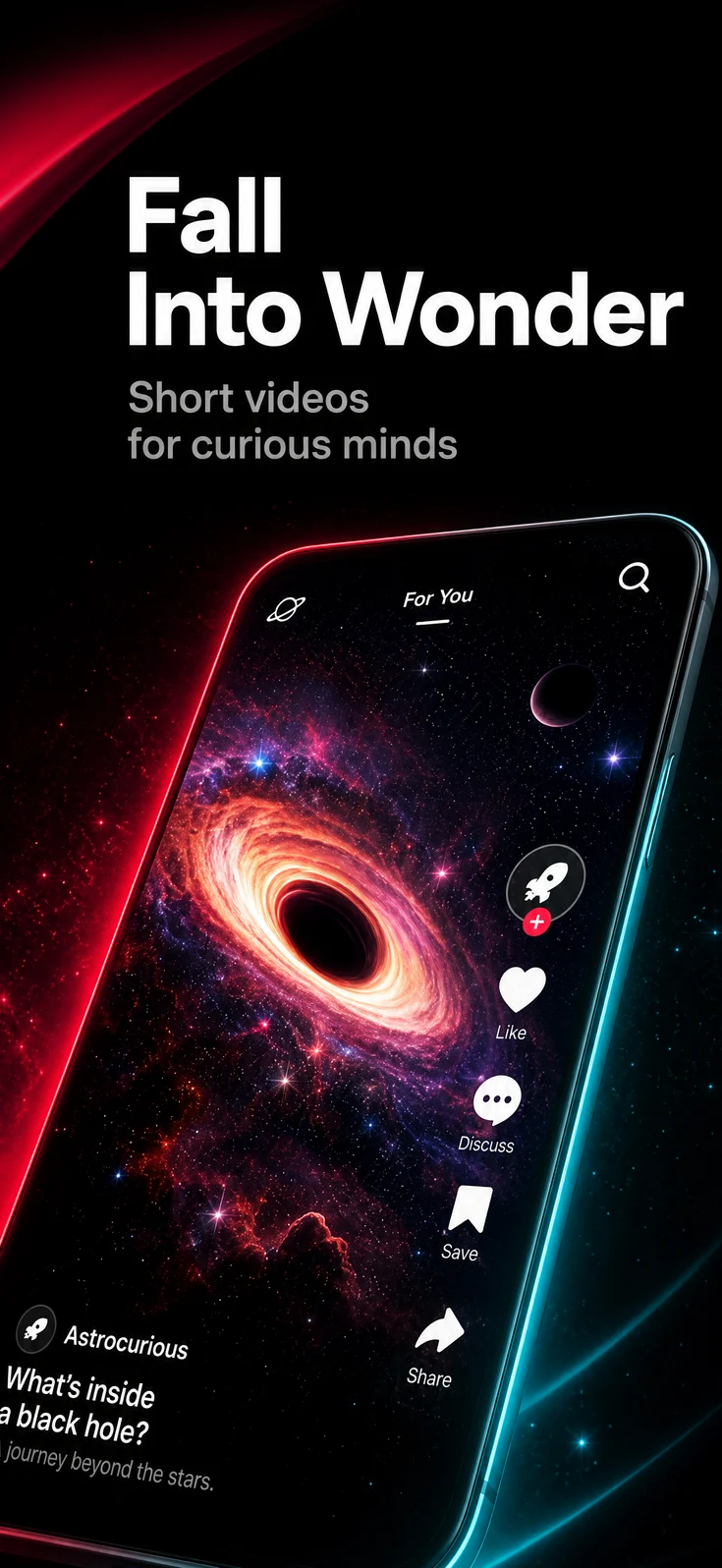
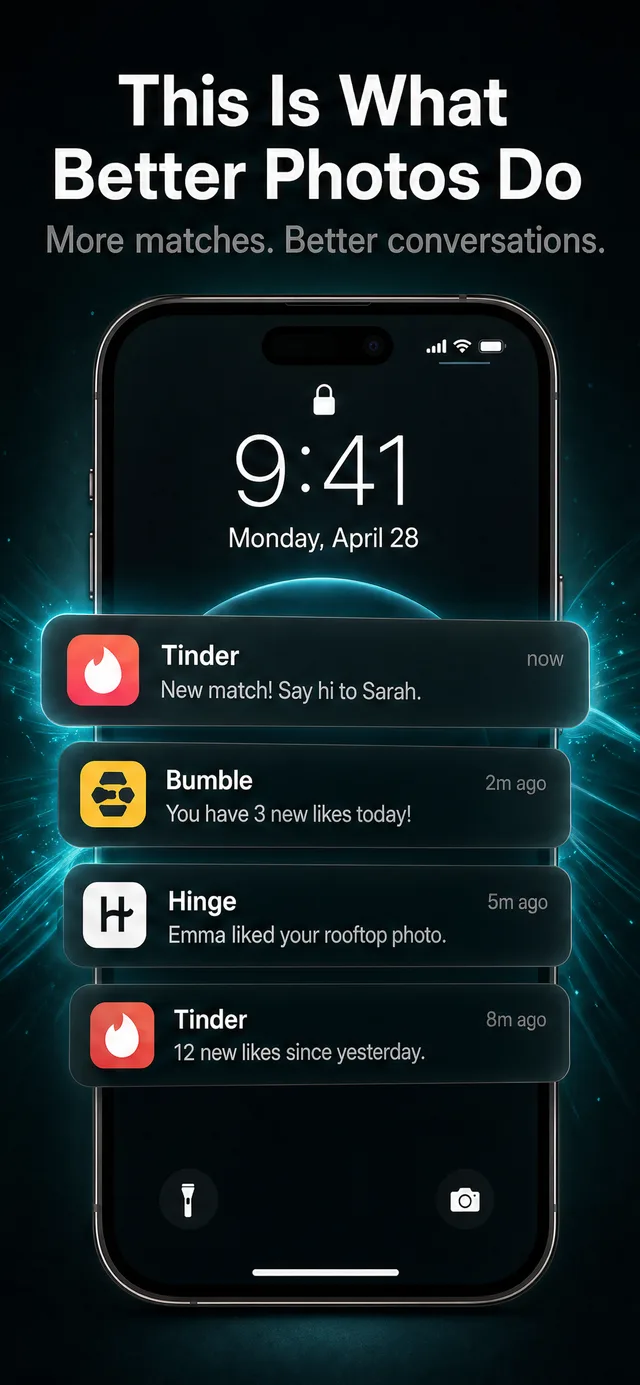
AI Dating App Photos: Get more matches w/ AI photos

Live on the App Store today

App Store
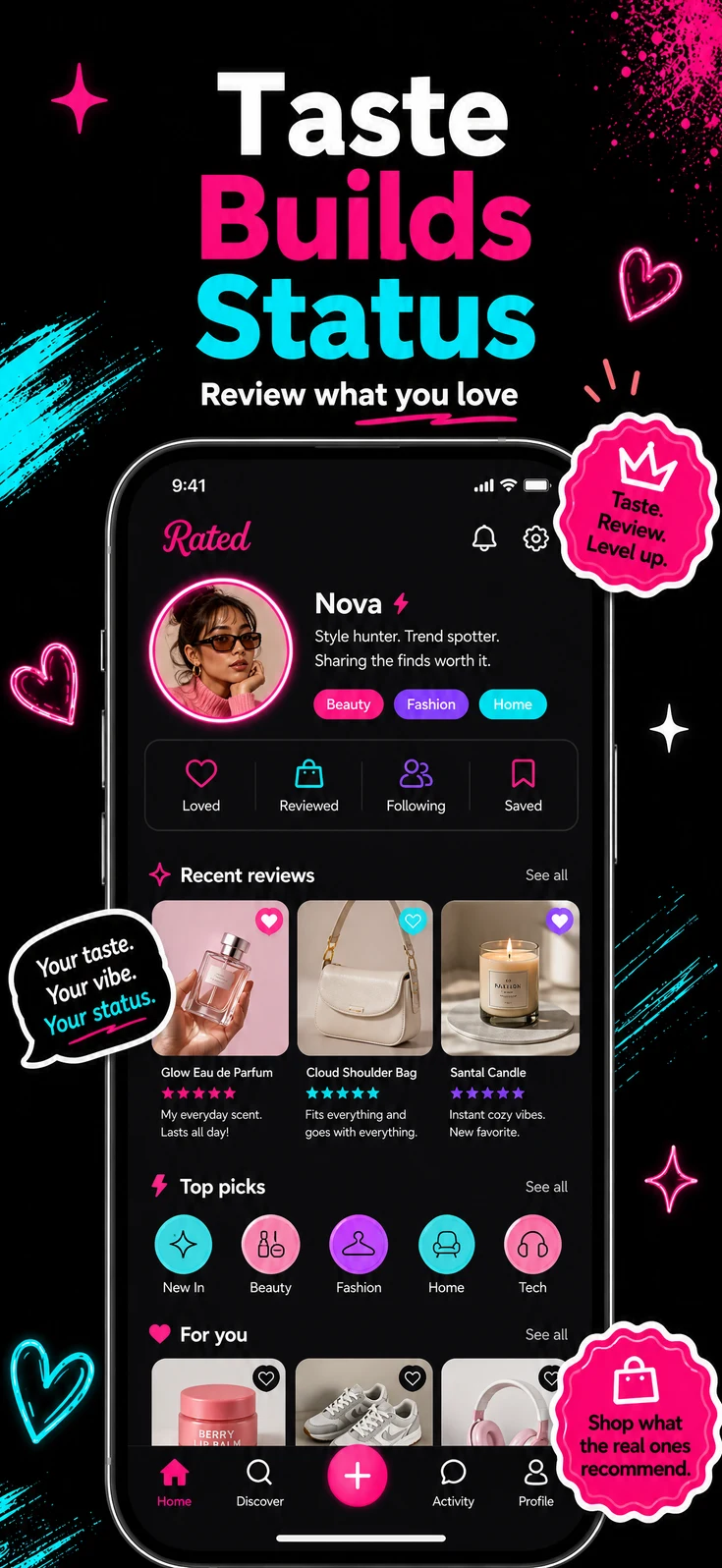
Pull App Store screenshotPull App Store screenshotPull App Store screenshotPull App Store screenshot

Inside Codex

Research, generate, revise, and translate from one Codex thread.

Shots was made for agent work. Codex can pull project context, use saved Studio references, and keep revising the screenshot you chose without exporting and re-uploading between edits.

[Image #1] Shots landing flow

Shots workspace

Codex plugin thread

shots.run
generate an iPhone App Store screenshot for Stride, a strength training app
Queued a focused Stride screenshot job. I opened it beside saved directions so we can compare the approach.
generate_screenshot
done
screenshot ready

Ask for follow-up changes

5.5
shots.run/preview/stride/direction

Generate

screenshot ready

stride/direction-b.webp
Direction A
Direction A generated App Store screenshot for Stride
stride-direction-a.webp
Direction B
Direction B generated App Store screenshot for Stride
stride-direction-b.webp
Direction C
Direction C generated App Store screenshot for Stride
stride-direction-c.webp

MCP-native workflow

Use Shots from the terminal, inside your app repo.

Connect the hosted Shots MCP server to your coding agent. It can use the project context you already have open to research, generate, revise, and translate App Store screenshots.

  • Codex
  • Claude Code
  • Cursor
  • Any MCP client
Your app repoApp Store screenshots
Shots · MCP sessionConnected

repo ~/projects/stride git:(main)

you › use Shots to create an App Store screenshot set from this repo

agent › reading project context

app code · UI screenshots · store metadata

shots › researching category and competing listings

brief ready · 3 creative directions drafted

you › generate the strongest direction

shots › generating the launch set

6 iPhone screenshots created

shots.run/review/stride

agent › Ready for review. Revise or translate from this thread.

Inspiration library

Search 2,500+ apps and 22,000+ screenshots. Borrow what works for your app.

Browse real App Store examples, pick the parts that fit your category, then adapt that direction to your app.

View the inspiration library

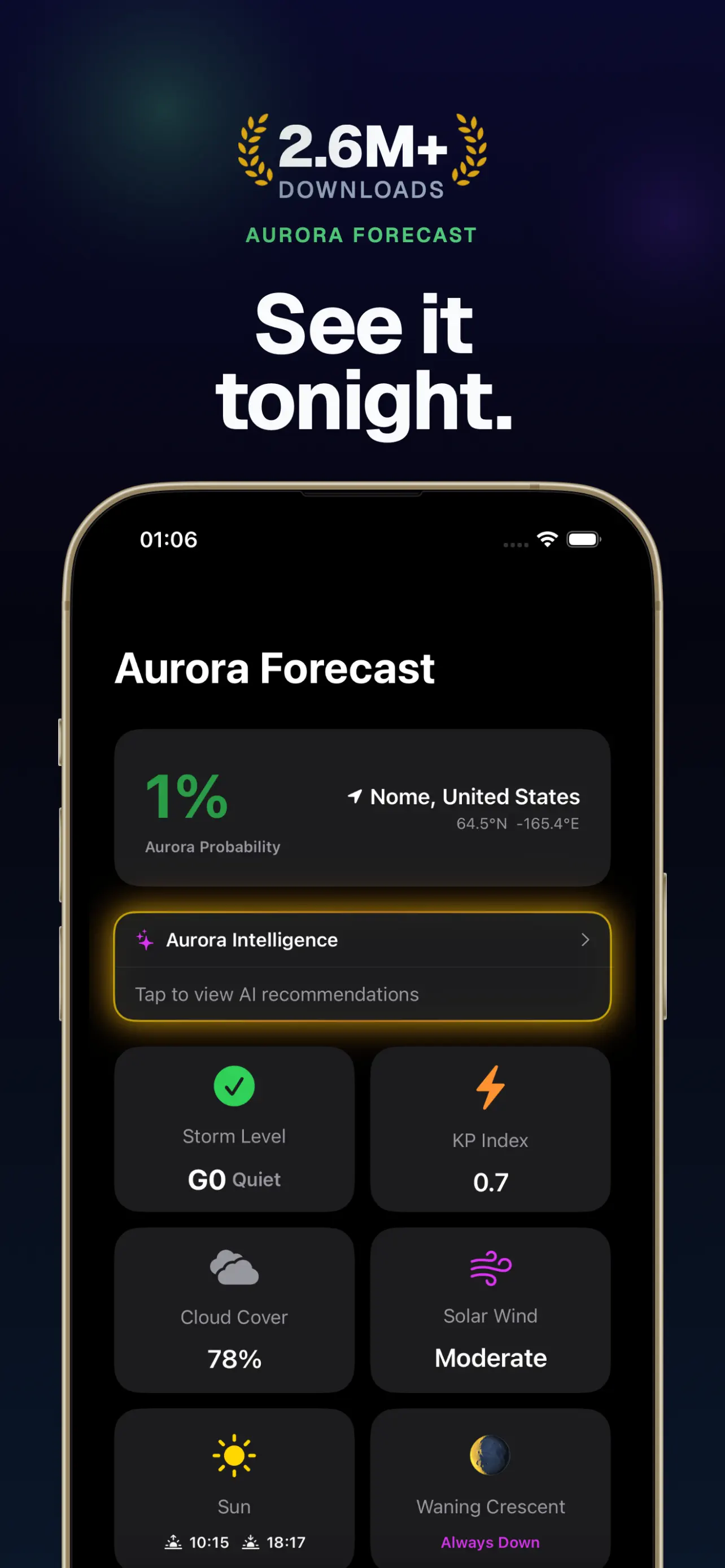
Dark utility

Performance, dashboards, weather, and expert tools.

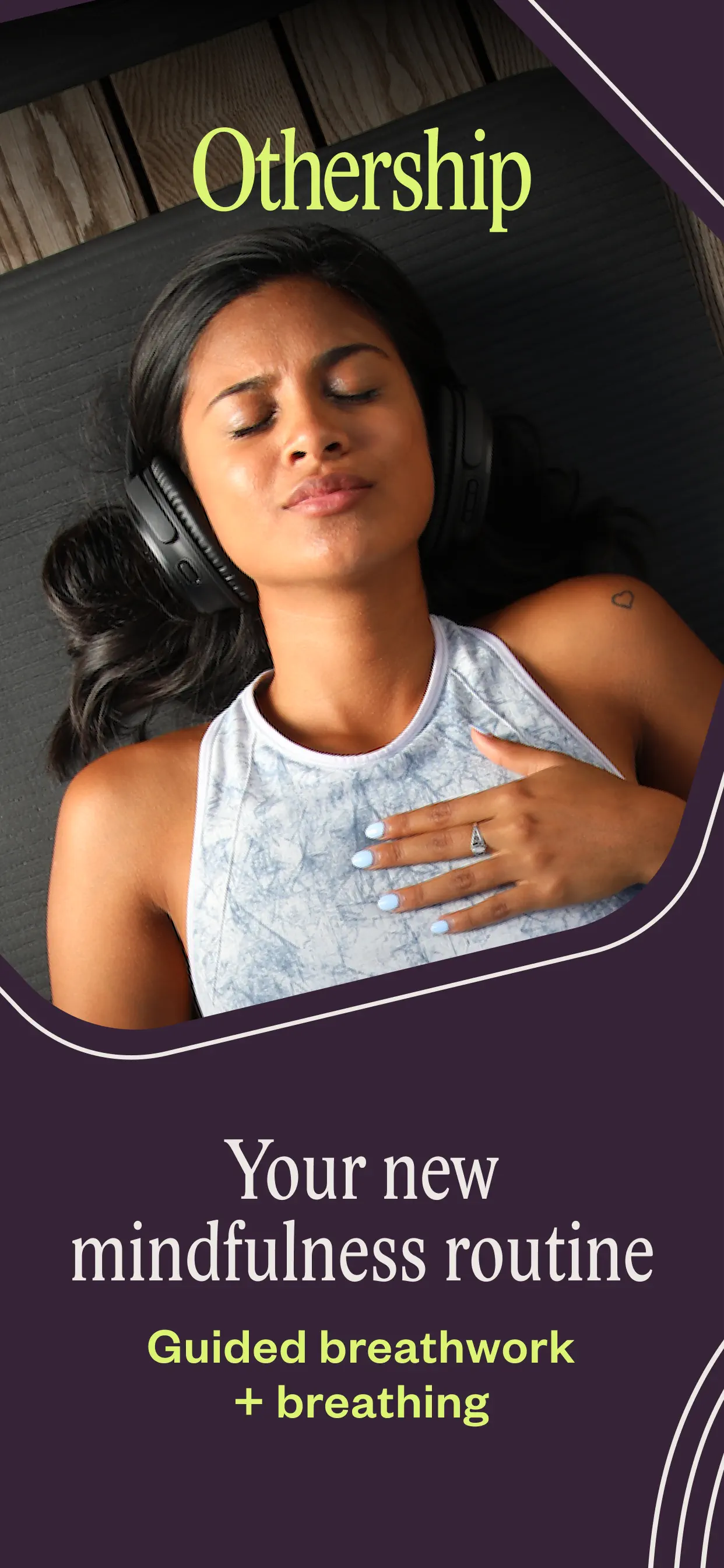
Premium wellness

Editorial lifestyle, calm routines, and creator-led brands.

Minimal brand

Warm, art-directed launch sets with distinctive typography.

Proof-driven

Social proof, awards, usage proof, and category authority.

AI creator

Visual-first creative apps with dramatic before/after hooks.

Beyond screenshots

Screenshots plus ASO copy, titles, keywords, and translations.

Shots studies your app and category, then drafts screenshots, titles, subtitles, descriptions, keywords, and translations for 50 App Store locales.

Deep app research

Shots studies your category, competing listings, App Store positioning, saved references, and app context before it writes or designs.

Title & subtitle

ASO-ready title and subtitle options tuned for discoverability, conversion, and App Store character limits.

Description & keywords

Descriptions and keyword sets sit beside the screenshots, so search intent and visual messaging stay in sync.

Localized listing copy

Titles, subtitles, descriptions, keywords, and screenshot text carry into 50 App Store locales without rebuilding the campaign.

Use cases

Build the first screenshot, then finish the listing in the same workflow.

Research, screenshots, revisions, translations, and listing copy stay in one place.

Listing to screenshots

Turn your App Store listing into screenshots.

Shots uses your category, competing listings, and positioning to draft screenshot concepts for the launch.

Prompt or App Store import

Deep category research

Shots listing to screenshots workflow example

Creative revision

Refine the same screenshot.

Change copy, style, background, or composition while keeping the app UI intact.

Feedback, style, and references

Source screenshot stays consistent

Shots creative revision workflow example

Localization

Translate to any language in one prompt.

Translate screenshot text and listing copy while keeping the approved visual direction.

50 App Store locales

Approved layout preserved

Shots localization workflow example

ASO operations

Generate the listing copy too.

Generate titles, subtitles, descriptions, and keywords, then translate the whole listing for new locales.

Titles, subtitles, keywords

Listing translations included

Shots aso operations workflow example

Ready to ship

Your App Store listing, done in one session.

Get started free

FAQ

Common questions

What is Shots?

Shots is an AI App Store screenshot generator that works from your coding agent and from Studio. It researches your category, reads your real app context, and generates store-ready screenshots, app icons, and listing copy you can revise and translate.

How does Shots work with my coding agent?

Install the Shots MCP plugin for Codex, Claude Code, or Gemini CLI, then ask your agent to generate App Store screenshots from your app repo. The agent pulls project context, checks competing listings, and calls Shots tools to generate, revise, and translate. Results are saved to Studio for review.

Is Shots free to try?

Yes. Every account starts with 3 free screenshots and 1 app. No card is required.

Are Shots screenshots approved by Apple?

Yes. Shots screenshots are live in production App Store listings including Babel Pods and Pull. Apple reviews each app submission in App Store Connect, so check final screenshots against your app UI and claims before submitting.

Which platforms and languages does Shots support?

Shots generates screenshots for iPhone, iPad, Android, and Apple Watch sizes, and translates screenshot text and listing copy into 50 App Store locales while keeping your approved visual direction.

Do I need design skills to use Shots?

No. Shots researches 2,500+ App Store listings and writes the creative brief before it generates. You refine with plain-language feedback — change the background, tighten copy, or swap layouts while your real app UI stays intact.

Get started free

3 free screenshots. No card required.
Translation proof

Take this screenshot into 50 locales.

Start with one approved screenshot, then localize the same creative direction for every App Store market Shots supports.

49 translations · 49 credits

Covered by Starter's 60 monthly credits for $19/month.

Scroll all 50 locales

Source → 50 locales

English source screenshot
Source · English (U.S.)
Japanese translated screenshot preview
Japanese
Arabic translated screenshot preview
Arabic
German translated screenshot preview
German